
A research-led look at HP’s French storefront, its OmniBook and OmniDesk range, and the listing details buyers should verify before choosing.
Buying from a brand store can simplify browsing, but a familiar name does not make every configuration the right fit. We reviewed the French HP Store’s categories and selected product pages to assess what they clarify, what they leave to the buyer, and who benefits most.
This is a review of HP’s published store information and product listings. We did not test or purchase the devices, so recommendations below are based on stated specifications, product formats and the information HP makes available to shoppers.
Heads-up: we earn a commission from some links in this article. It never changes the price you pay.
What you need to know
- The French HP Store groups laptops, desktops, monitors, printers, accessories and supplies in one regional catalogue.
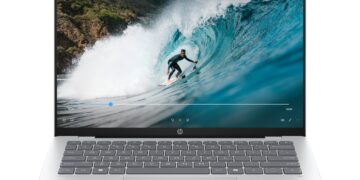
- The HP OmniBook 5 14-he0013nf is a compact laptop option with a 14-inch OLED touch display, 16 GB memory and 512 GB SSD listed on its product page.
- The HP OmniBook 5 16-bf0007nf offers a larger screen class, while the HP OmniDesk M03-0000nf is a desktop direction for a fixed workspace.
- HP’s detailed listings help with specification checks, but buyers should verify exact configuration, stock, delivery, returns and support terms on the live regional page.
The regional catalogue makes HP’s range easier to navigate
The storefront’s clearest advantage is range under one roof. It separates laptops, desktop PCs, monitors, printers, supplies and accessories, with filters for use and form factor such as home, business, gaming, touchscreen, convertible, tower and all-in-one. That is useful when shoppers know the broad device type and want to narrow a shortlist.
The trade-off is a brand-contained selection. HP’s categories compare its own lines, not equivalent models from other manufacturers. Readers seeking a market-wide view must compare specifications and warranty cover elsewhere.
HP also links to support, delivery and return guidance. That regional information helps with ownership planning, though each policy page still deserves a careful read.
For buyers who value a direct path to specifications, the structure is a practical strength. A shopper can move from a clear need to the OmniBook 5 14 listing or OmniDesk M03 details.
OmniBook listings show useful detail but require configuration checks
The laptop pages show the catalogue’s strengths and limits. The HP OmniBook 5 14-he0013nf is a portability-focused option: HP lists a 14-inch 2K OLED touchscreen, Snapdragon X processor, 16 GB of memory and a 512 GB SSD. Confirm the live listing because configurations and availability can change.
The HP OmniBook 5 16-bf0007nf is a larger-format alternative. That size distinction can matter more than a family name: a roomier panel may help with split-screen documents, while a smaller laptop is simpler to carry. Compare the 16-inch listing’s configuration for screen, processor, memory, storage, ports and weight.
It is worth opening both the 14-inch model page and the 16-inch model page side by side. That comparison can expose differences in display, processor or included software that the shared OmniBook name does not communicate on its own.
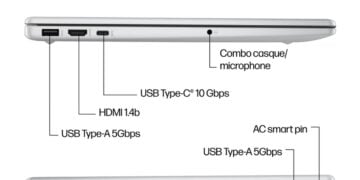
Pages surface processor, memory, storage, display and connectivity. Check the exact model code, operating system and ports against your workload. The OmniBook 5 14 details illustrate the specifics, but model names alone are not enough to confirm a suitable laptop.
Use the listing as a fact sheet. Screen comfort and ports may matter for desk work; dimensions and weight matter more for travel. Arrive with a short list of must-have specifications.
- For frequent travel, start with the smaller OmniBook 5 14 listing and check weight and battery details.
- For more display area, compare the OmniBook 5 16 configuration against desk space and portability needs.
- For a stationary setup, review the ports and included configuration on the OmniDesk M03 page.
OmniDesk suits fixed setups, with more decisions left to the buyer
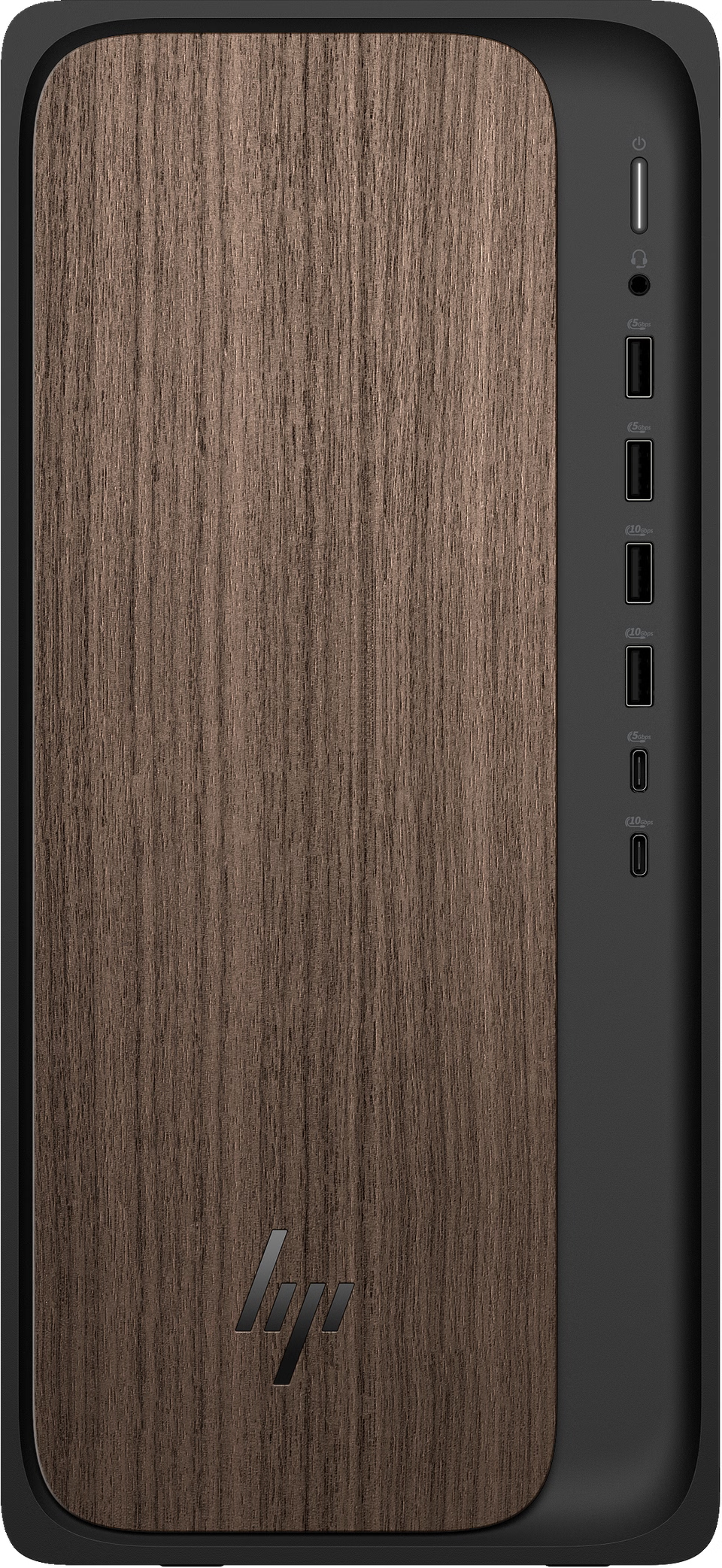
The HP OmniDesk M03-0000nf suits people who do not need a built-in screen or battery. It can fit a home office with an existing monitor and peripherals, or a shared station that stays put. Check the configuration on its listing rather than treating every OmniDesk as interchangeable.
Before relying on the OmniDesk M03-0000nf listing, confirm the configuration code and connections against your equipment. Its desktop product details support that check, but the exact variant matters if similar models appear in the catalogue.
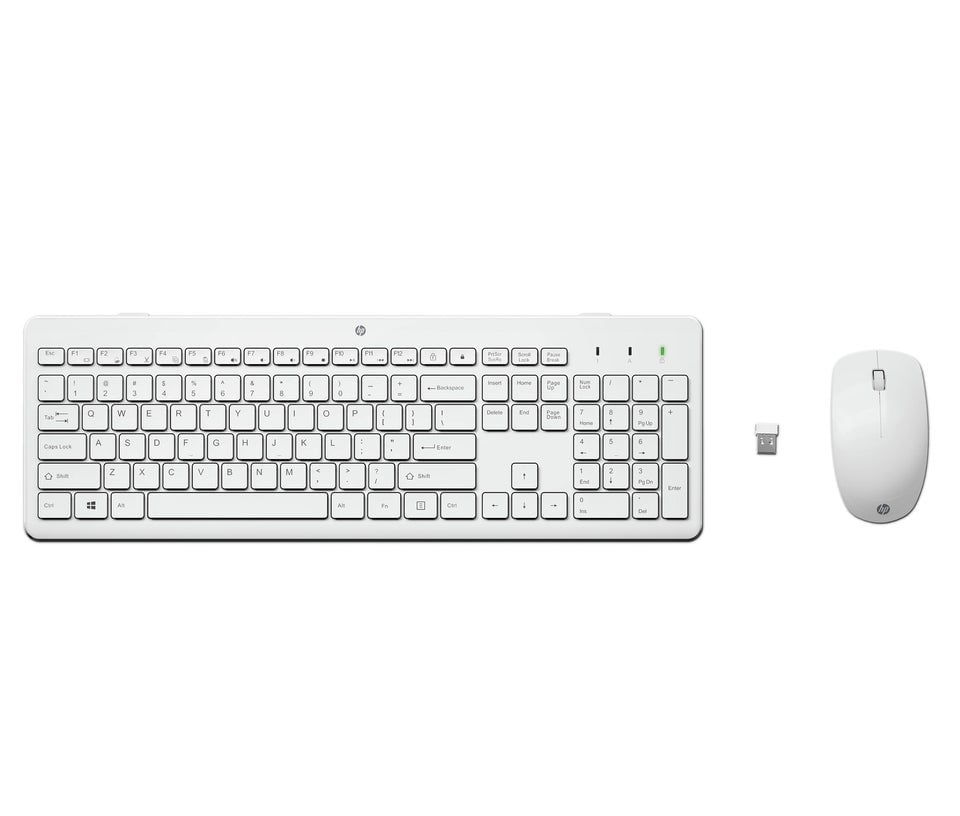
A desktop takes extra planning: confirm display connections, desk space, wireless needs and included peripherals. If you move between rooms or are starting from scratch, a laptop may be simpler.
This breadth helps existing HP owners browse related equipment, but can distract from a focused computer search. Settle the core device first, then check peripheral compatibility.
HP’s breadth helps existing ecosystems more than cross-brand shoppers
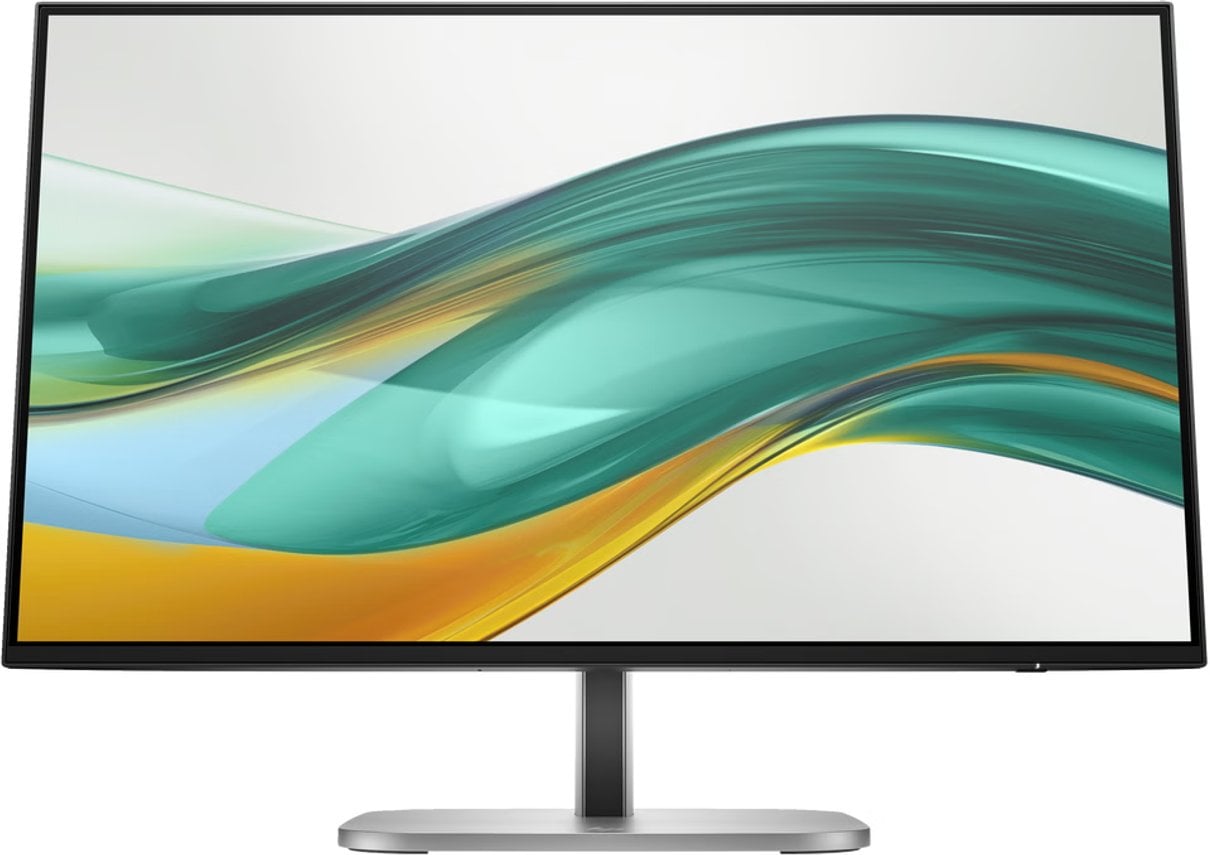
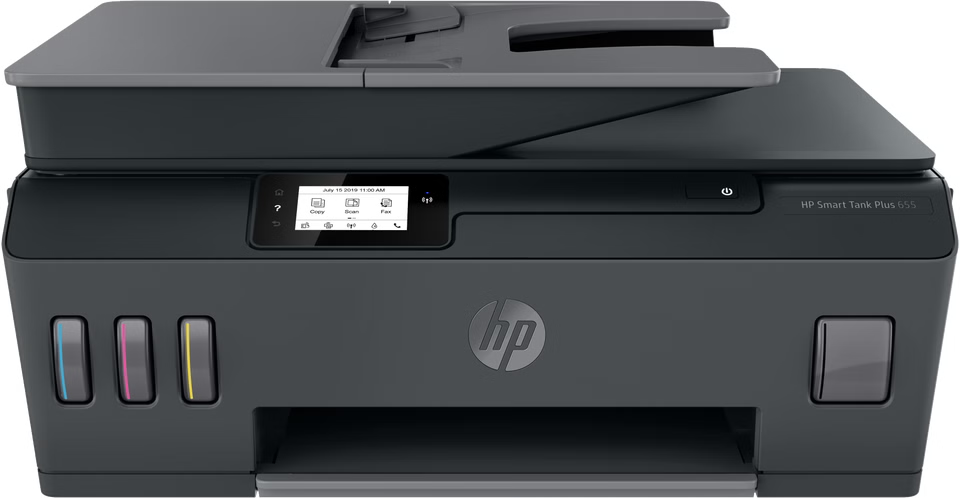
Beyond PCs, the regional store spans accessories, printers and displays. The pictured HP Smart Tank 655, Color LaserJet Pro 3302fdw and Series 5 Pro 524pf show the breadth; each requires a separate purchase decision. Printer buyers should consider print volume and consumables, while monitor buyers should check size, resolution, ergonomics and ports. The OmniBook range remains the more relevant starting point for portable computing.
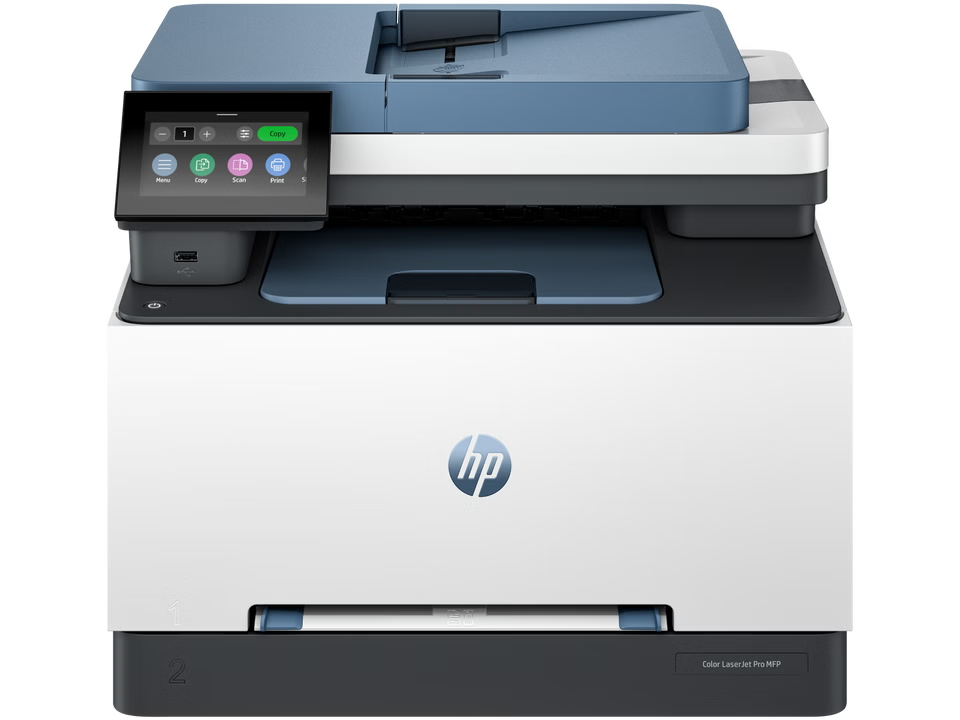
Regional consistency is another advantage: product pages and local delivery, return and support information share the French shop. Still, shoppers must verify software and accessory fit and read order terms before checkout.
- Check the exact model code and configuration shown on the product page.
- Confirm display, port and accessory compatibility for the setup you already own.
- Review current availability, delivery, return and support information before placing an order.
The catalogue also includes HyperX gaming products. That helps shoppers assembling an HP-led setup, but each component still merits a separate fit check.
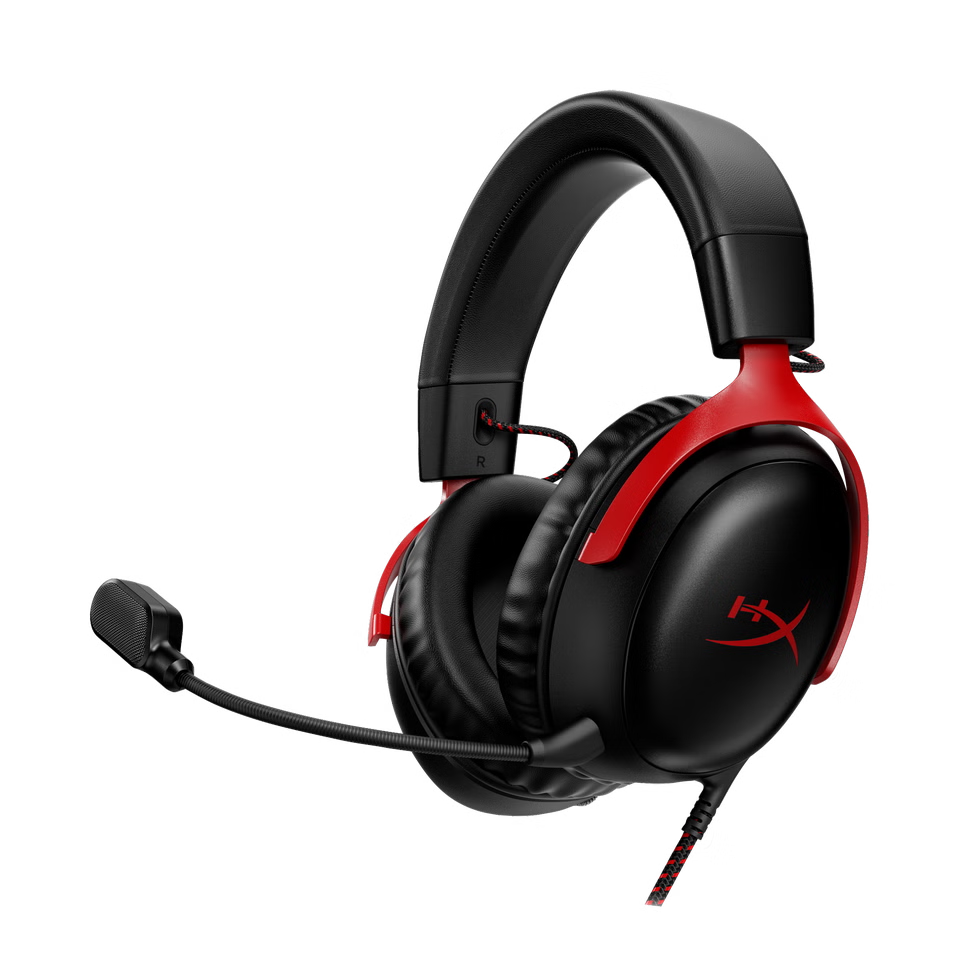
The store is strongest at showing HP’s range and configuration details. It is less useful for unbiased cross-brand comparisons or independent performance evidence. Treat it as an organised place to investigate HP’s products, then compare alternatives when needed.
Does the HP Store suit your next computer purchase?
We recommend the French HP Store as a useful starting point for HP-focused buyers, particularly shoppers who want an organised catalogue and detailed listings for the OmniBook 5 14 or OmniDesk. It is a stronger fit for readers who already want an HP device than for people comparing the full market.
The main limitation is the same-brand scope, alongside the need to confirm live configuration and order terms. If you are comfortable doing those checks, use the store to shortlist by device type, then compare exact specifications and ownership details before deciding. For anyone seeking a broader vendor comparison, treat HP’s pages as one source in a wider shortlist.