
A simple sequence for matching your main task, preferred format and support needs to the HP Store range.
Choosing a computer or printer is easier when the decision starts with the job it needs to do. A laptop for moving between rooms has different priorities from a machine that stays on a desk, while a home printer needs to suit how often you print and what you print.
We reviewed the French HP Store product pages for this guide. The range brings computers, displays, printers and accessories together, with product listings that let shoppers compare categories and configurations. Our steps below narrow that range to a few concrete examples and point out what to confirm before ordering.
Heads-up: we earn a commission from some links in this article. It never changes the price you pay.
What you need to know
- Choose by primary task first: portable work, a larger desk display, routine printing or gaming.
- The HP OmniBook 5 14-he0013nf is the smaller laptop example; the HP OmniBook 3 17-dp0047nf gives more built-in screen area.
- The HP ENVY 6532e combines home printing and scanning in one device.
- Compare exact configuration, dimensions, connection needs and support details on the listing.
- This program links to the French HP Store. Check the regional checkout and delivery details before placing an order from Australia.
Start with the task, then choose a device type
Write down the two or three things the device must handle most days. For a laptop, that might mean documents, video calls and carrying it to a shared space. Start by browsing HP laptop options and narrowing by format. For a printer, think about whether you mostly handle forms, schoolwork, occasional photos or frequent multi-page jobs; the printer listings can help separate all-in-one and other types. Gaming calls for a separate look at graphics capability, display pairing and accessories, with gaming computers as a category entry point.
Next, mark what is fixed and what can flex. A device that remains on one desk can be larger; a laptop carried daily benefits from a compact footprint. If your budget has a ceiling, keep it in mind without comparing headline prices alone: component tier, screen size, memory, storage and bundled features all affect what a configuration offers. The listing is where to check the current price and the exact specification. Compare the OmniBook 5 configuration with the OmniBook 3 listing only after deciding whether portability or screen area comes first.
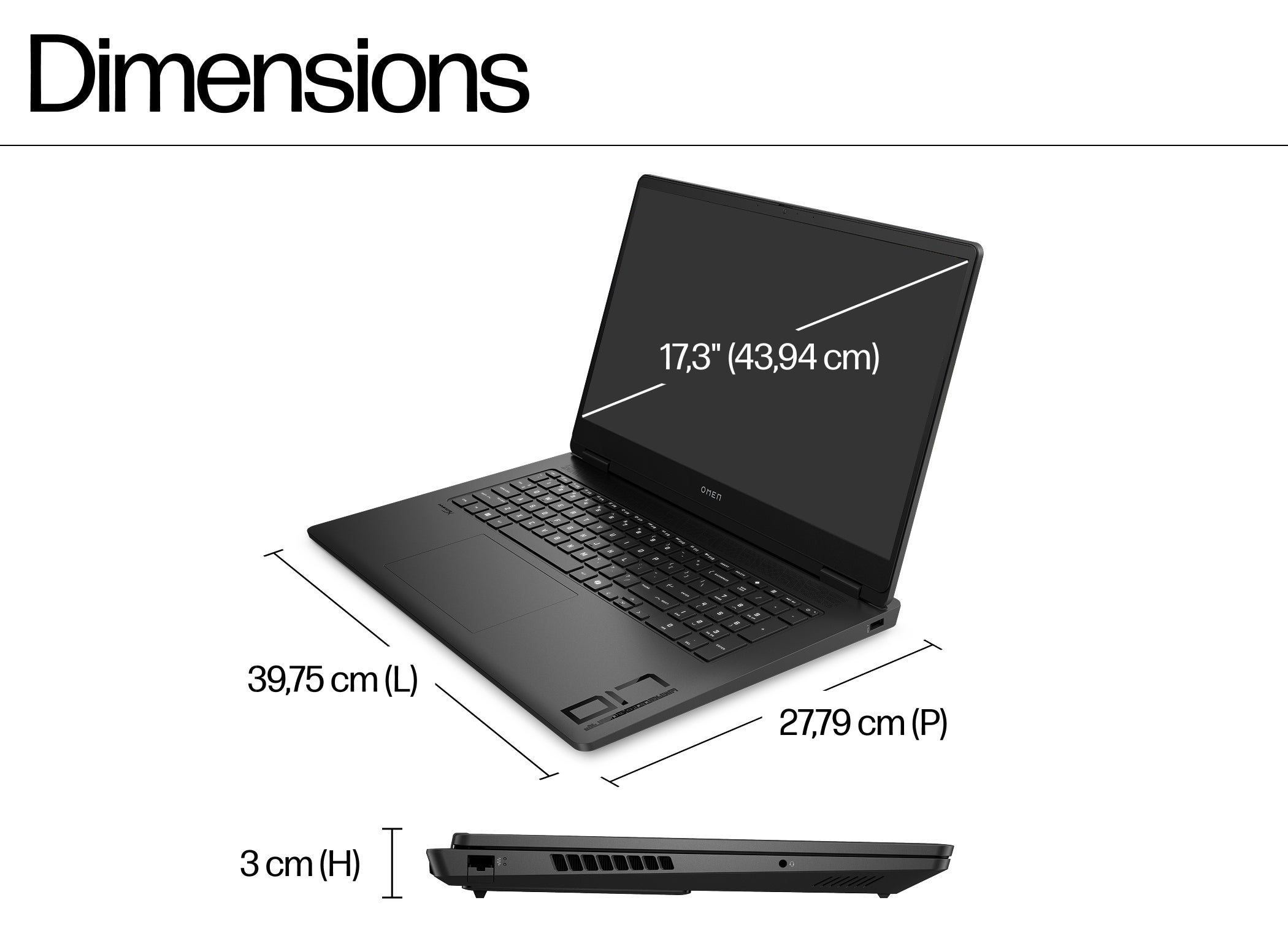
For gaming, HP’s French store has an OMEN range and lists the OMEN 17 as a gaming-oriented laptop. Compare its configuration with the games and applications you use, then check whether its size and power needs suit your setup. The product page describes the specific build; the family name by itself does not guarantee identical components across listings. See HP OMEN laptop options alongside the OMEN 17 product range to make sure the available build suits your requirements.
Match laptop size to where you work
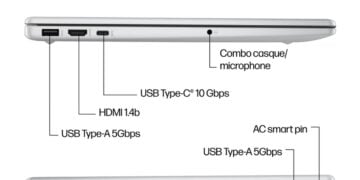
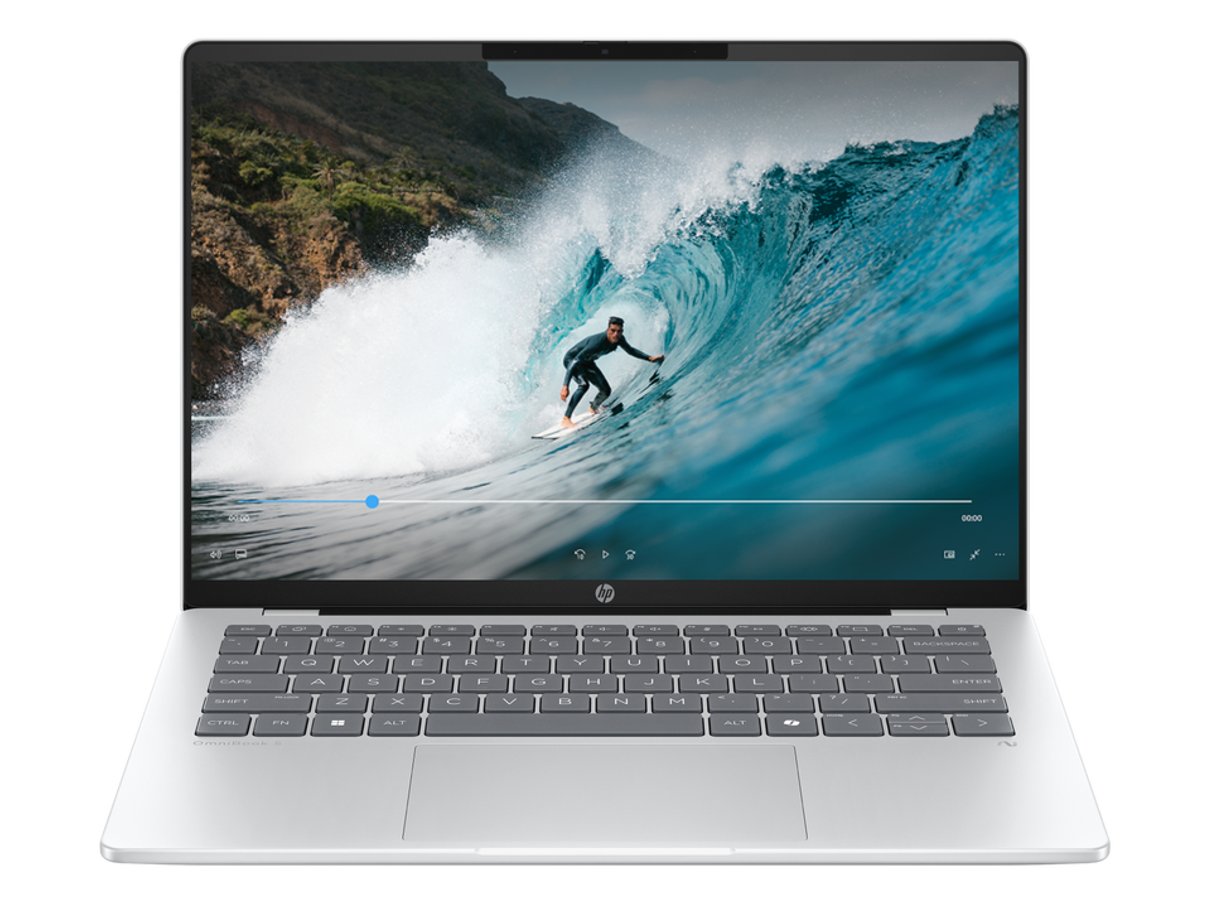
A smaller screen can be easier to carry and store, while a larger built-in panel may reduce the need for an external monitor at a fixed workstation. The HP OmniBook 5 14-he0013nf is the 14-inch example here. Its product page is the right place to verify the processor, memory, storage, screen details and included operating system for the current configuration. The HP OmniBook 5 14-he0013nf listing is more useful for that check than a general family description. You can also return to the HP Store laptop category to compare sizes and available filters.
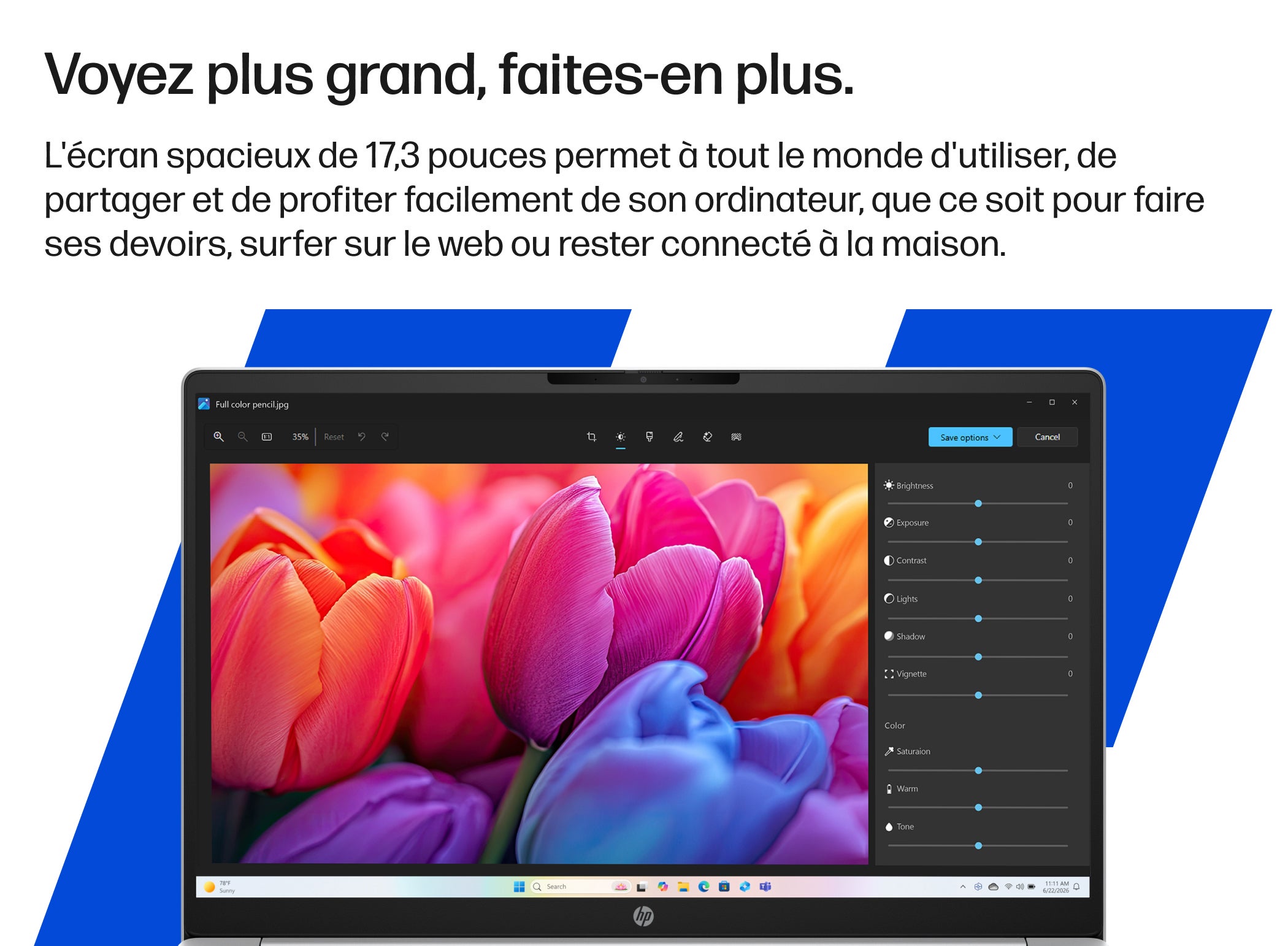
If you mostly work from one place and value a larger laptop display, compare the HP OmniBook 3 17-dp0047nf. Its 17-inch format gives a broader built-in viewing area, but a larger chassis is less convenient to carry. Review the OmniBook 3 17 product page for the listed dimensions and ports, and consider whether a separate monitor would be a better fit for your desk. Compare the 17-inch model listing with the 14-inch listing for the actual configuration details.
Before choosing either model, compare the actual specification rows rather than assuming the model family tells the whole story. HP Store listings can offer different configurations; confirm the exact variant, keyboard layout, warranty and delivery details shown for the item you plan to order. Those checks are especially relevant when browsing a French storefront from another country.
Choose a printer around real print habits
For home use, consider the balance of documents, colour pages and scanning. The HP ENVY 6532e is an all-in-one model, so it is relevant when one device needs to cover common print and scan tasks. Check what the listing says about paper handling, wireless setup and supported media, and make sure it fits where you intend to place it. See the HP ENVY 6532e product listing for the specific details.
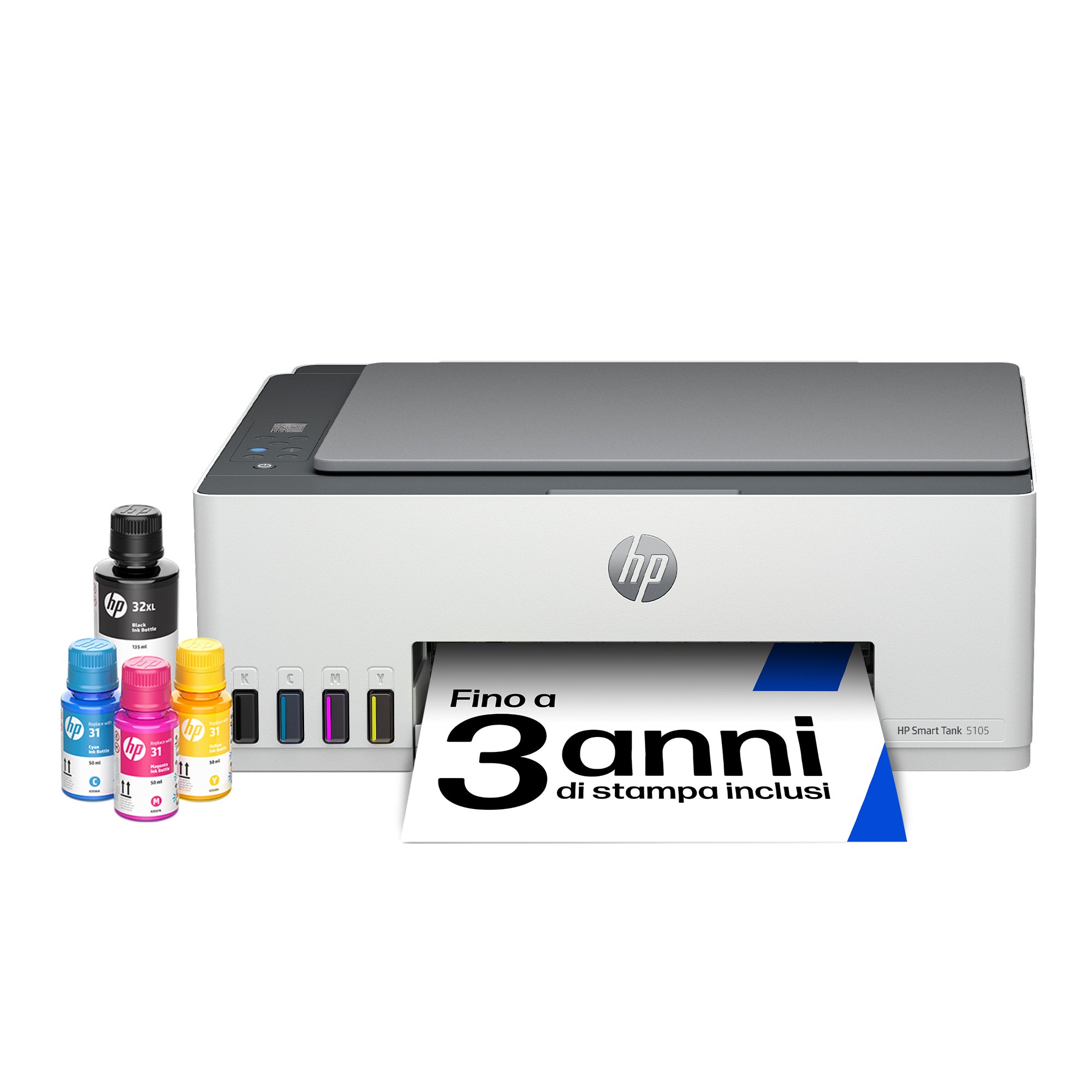
The store also presents Smart Tank printers, including the HP Smart Tank 5105 and HP Smart Tank 7605. These are distinct models, so compare their included features and refill system details on their pages rather than assuming one is simply a larger version of the other. Check the Smart Tank 5105 listing against the Smart Tank 7605 listing for features and dimensions. For frequent printing, pay attention to the listed ink approach and ongoing supply needs; for occasional use, consider whether the extra capacity or functions justify the footprint.
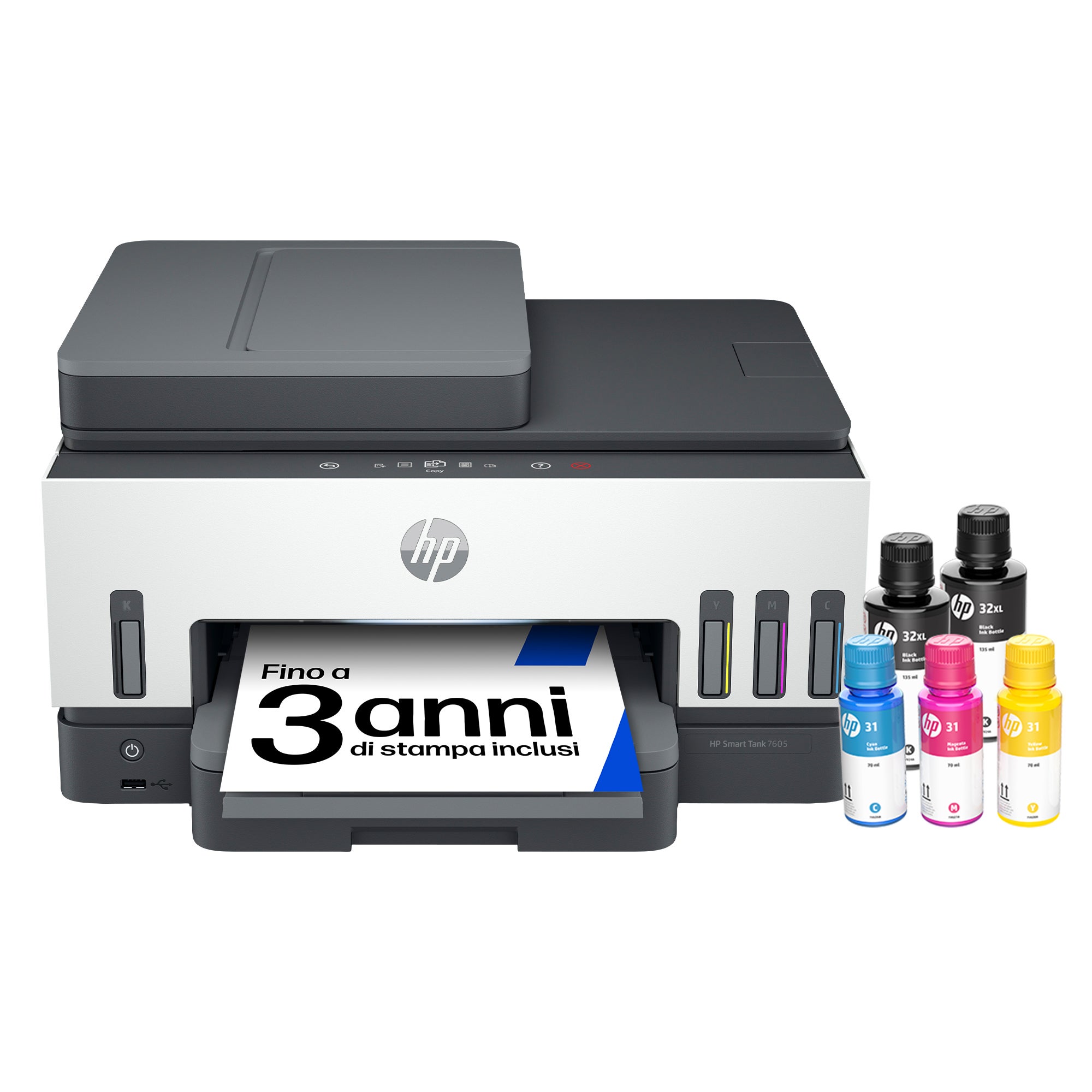
Check printer dimensions, connection options, paper support and the setup process before adding one to a household network. If printing is infrequent, access to supplies and ease of setup may matter more than a feature aimed at high volume. If several people share the printer, look closely at wireless and mobile printing support as stated on the chosen product page. Open the ENVY 6532e listing and other HP home printer options to compare the details that matter for your space.
Compare the shortlist against the room and routine
Once the task is clear, use a short comparison to decide what to open next. These options cover different needs, so the best fit depends on how you will use the device, not a single ranking.
| Option | Best suited to | Check before choosing |
|---|---|---|
| HP OmniBook 5 14-he0013nf | Portable everyday laptop use | Configuration, screen and ports |
| HP OmniBook 3 17-dp0047nf | Desk-first use with a larger laptop screen | Dimensions and listed components |
| HP ENVY 6532e | Everyday home print and scan tasks | Paper support, setup and supplies |
The table is a starting point, not a substitute for checking the live page. Configuration names, availability and included features can change. On the French HP Store, also verify shipping eligibility, returns, warranty terms and payment details for your location before completing checkout.
Check support and compatibility before checkout
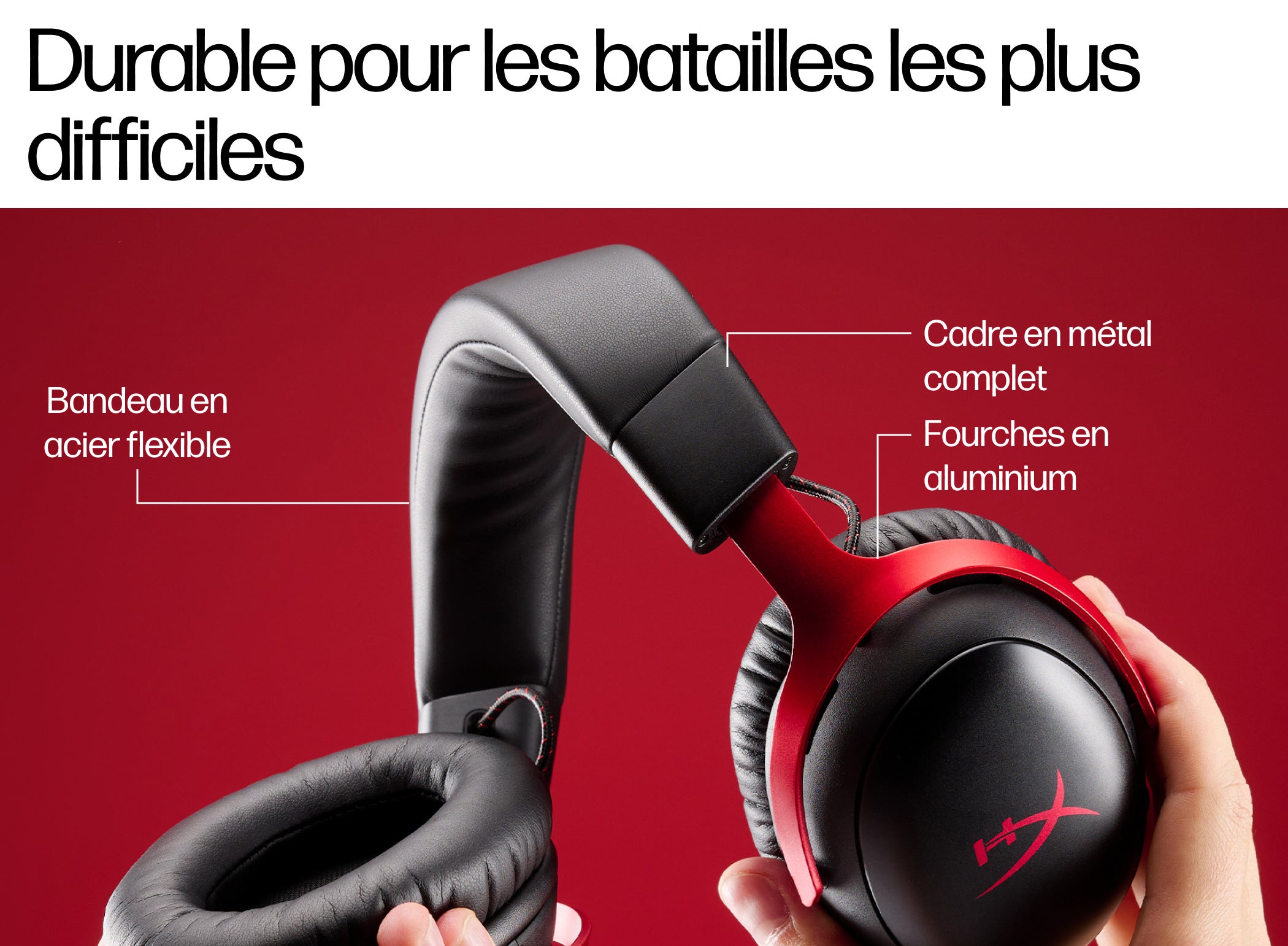
The product is only part of the decision. Check the space available, required cables or peripherals, operating system compatibility and the way you plan to connect other devices. For a laptop, confirm the ports and whether your monitor, dock or headset will connect as expected. A gaming setup can include a headset such as the HyperX Cloud III Wireless, but check platform compatibility and the connection method for the specific listing. Review the HyperX Cloud III Wireless listing and HP gaming accessories before choosing a headset.
For support, HP’s store navigation includes delivery, returns and assistance information. Read those policies alongside the product details, particularly because this offer points to the France regional store while the campaign country is Australia. The storefront itself determines the available checkout region and delivery terms, so do not assume that every listed item can be shipped to every destination.
- Confirm the complete model name and configuration on the product page.
- Check physical size, ports, wireless needs and any required accessories.
- Review delivery, return, warranty and support terms for your region.
- Check the current price on the store once you have settled on the specification.
Which HP Store option fits your everyday setup?
For a portable routine, start with the HP OmniBook 5 14-he0013nf; for a desk-first laptop, compare it with the roomier OmniBook 3 17-dp0047nf. The ENVY 6532e makes sense when everyday home printing and scanning are part of the brief. Our recommendation is to shortlist by task, then verify the exact configuration and regional terms on the French HP Store page.
The limitation is that model names do not capture every configuration or destination restriction. If the French checkout does not match your delivery needs, pause and confirm availability before making the choice. Once the details line up, the official listing gives you the current options and price.