

A research-led look at 3D Prima’s product range, UK support and the checks buyers should make before choosing a machine.
Choosing a 3D printer is only one part of setting up a workshop. Materials, spare parts and help when a machine needs attention can matter just as much, especially for a first purchase. We reviewed the UK store’s published product information and service details to see where 3D Prima is useful and where buyers should do more checking.
Its strongest case is breadth with a UK-facing support offer. The limitation is that a wide catalogue does not make the choice simple: models differ in purpose, and the product pages still need to be read closely for compatibility, setup and service terms.
Heads-up: we earn a commission from some links in this article. It never changes the price you pay.
What you need to know
- 3D Prima lists printers alongside filament, resin, scanners, laser equipment and post-processing tools.
- The FLSUN S1 is presented as a high-speed printer with a 320 x 320 x 430 mm build volume; its specialist profile may be more machine than occasional makers need.
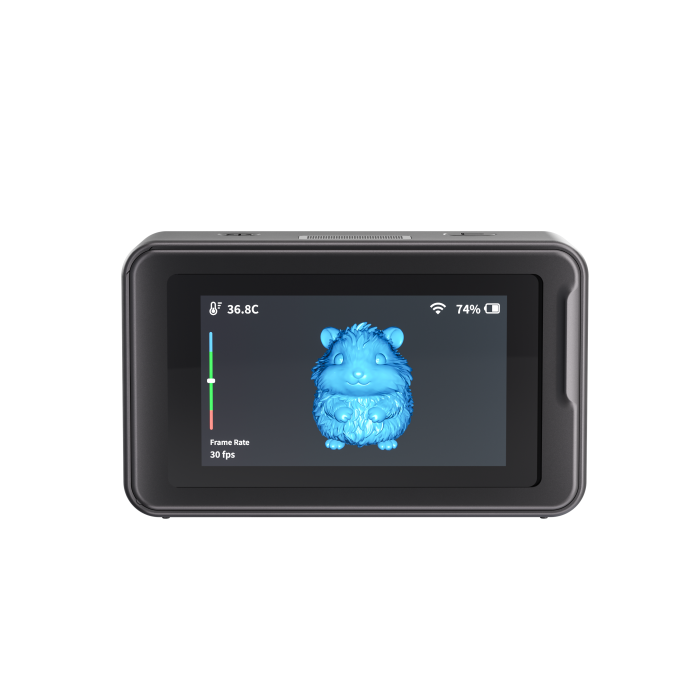
- The Creality Pika 3D Scanner and Anycubic Wash & Cure 3 Plus show how the catalogue covers work before and after printing.
- The store says it provides in-house UK service and support; confirm the exact support route, warranty and delivery conditions for the item you choose.
The range is broader than printers
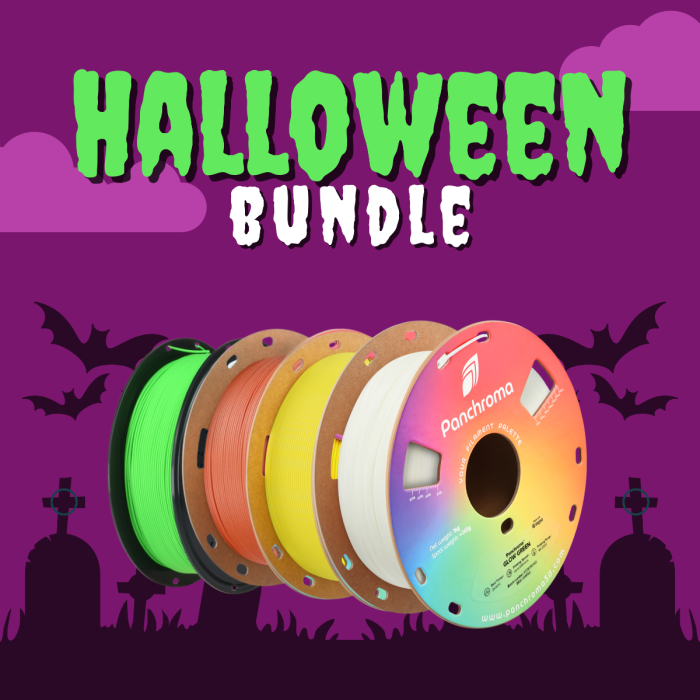
The most persuasive feature is that the site covers several stages of making rather than only the machine. Shoppers can browse filament and resin, scanners, laser engravers, spare parts and processing equipment from the same UK retailer. That gives a project-led buyer a useful starting point: it is possible to think about materials and finishing while comparing the printer itself.
It also makes the site relevant to different kinds of workshop. Someone building a resin workflow can examine a printer and a wash-and-cure station; a model maker may need a filament machine and compatible material; a designer may be looking for scanning or engraving equipment. Browse the 3D printer range, the filament and resin selection, and the other hardware section as separate decisions rather than assuming one setup fits every job.
This breadth is a real strength when a buyer already understands the process they need. The catch is that a large catalogue can make discovery harder for beginners. Before browsing, write down the materials you intend to use, the largest object you expect to print, and whether scanning or post-processing is part of the plan. Those simple constraints help narrow the store’s many categories.
Three listings show the retailer’s range
The FLSUN S1 is an example of a performance-led machine. Its product information lists a 320 x 320 x 430 mm build volume and a claimed maximum speed of 1,200 mm/s, alongside a high-temperature all-metal hot end. These are manufacturer and retailer specifications, not independent performance findings. They make the model worth examining for buyers with larger or speed-sensitive jobs, but headline speed alone cannot tell you about print quality, noise, setup effort or how it behaves with your chosen material.
For a different workflow, the Creality Pika 3D Scanner represents capture rather than fabrication. That distinction matters: it can be relevant if digitising physical objects is part of the work, but a scanner is not a substitute for a printer and requires its own software and workflow checks. The listing makes the product category visible, while the buyer should verify the supported devices, export formats and scanning conditions against their intended use.

The Anycubic Wash & Cure 3 Plus makes the post-print side concrete. Its store page describes a 7.6-litre cleaning capacity and a curing area of 228 x 128 x 260 mm. That specificity is helpful when assessing whether a station can accommodate the objects you expect to finish. Compatibility and handling requirements still deserve attention, particularly if the device is being added to a printer from another manufacturer.
These examples are useful because they show why a single “best machine” answer would be misleading. Compare the printer listings with the scanner category and post-processing equipment according to the work you actually do. Each product page should be treated as a specification sheet to verify, not a complete independent review.
UK support adds value, with details to verify
The store foregrounds in-house UK service and support, and its homepage presents a UK telephone contact and delivery information. For a technical purchase, local support can be more useful than an unfamiliar overseas seller, particularly when setup, parts or troubleshooting become relevant. That is a retailer-stated service proposition, however, and the public-facing pages do not answer every buyer-specific question.
Before choosing, check the model’s warranty coverage, who handles a repair, whether replacement parts are available, and what delivery conditions apply to your address. A delivery threshold shown on a page can change, so we have not treated it as a lasting benefit. If support is a deciding factor, ask the retailer to confirm the applicable process for the exact product rather than relying on a general homepage statement. Its support information, delivery details and warranty and returns page are sensible places to start.
That extra research is the main qualification in this review. Product pages contain useful model-specific claims, but specifications are not the same as comparative evidence. We found no basis here for saying one model prints more reliably or offers better long-term value than another. The sensible use of the store is to shortlist by technical requirements, then cross-check the relevant manufacturer documentation and confirm service terms.
The catalogue suits planned projects more than casual browsing
3D Prima is most compelling for readers who can name a process, material or piece of equipment they need. Its range lets buyers investigate a specialist printer, the materials it may use and adjacent tools within one retailer. A broad selection is less helpful to someone who has not yet decided whether filament or resin printing makes sense, or who expects a retailer page to settle every technical question.
- Established makers can use the range to compare machines, supplies and finishing equipment in one place.
- Workshop planners may value the visible UK support offer and the ability to consider a fuller workflow.
- First-time buyers should narrow their needs first and confirm compatibility, warranty and setup demands before committing.
Cost also depends on the machine tier, build area, included accessories, material requirements and any post-processing equipment. Those factors can change the complete setup substantially, so compare the current product details with the total kit your project requires. Use the current printer selection, review the materials options, and note whether a bundle includes the parts or tools you expect. The product pages are the right place to check current availability and terms.
A short pre-order checklist helps avoid buying by headline specification alone:
- Match the printer type to the material and finish you need.
- Compare usable build area with the largest planned object.
- Check included accessories, software, connectivity and maintenance needs.
- Confirm delivery, warranty, returns and support for the exact listing.
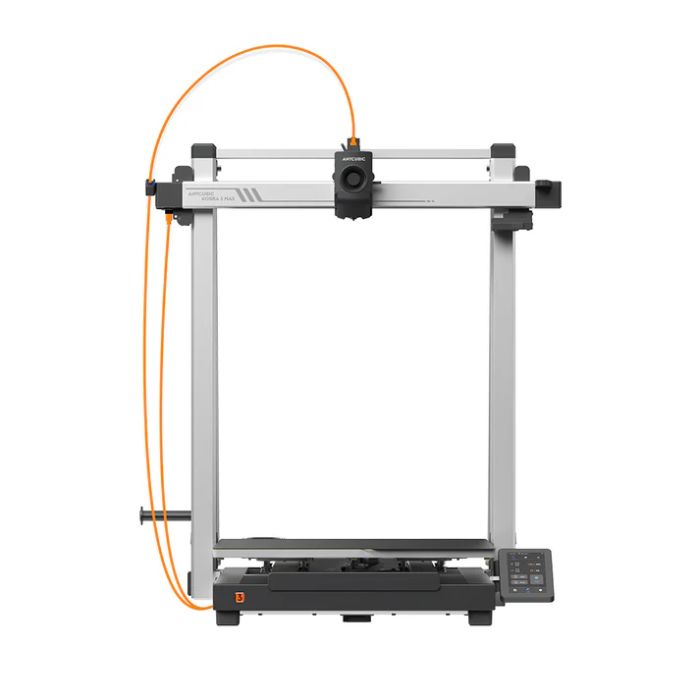
For buyers comparing larger machines, dimensions, material compatibility and the space needed around a printer matter as much as the headline build volume. Check those practical details on the exact listing before making a shortlist.
Is 3D Prima a good fit for your next setup?
Our recommendation is qualified but positive: 3D Prima is worth considering for UK buyers who want a specialist catalogue across printers, materials and workshop equipment, with a stated local service offer. The strongest reason to browse is the range; the most important limitation is that choosing well still requires product-by-product research and confirmation of support terms.
If you already know your intended process, shortlist a few relevant pages and verify their specifications and compatibility. If you are new to 3D printing, first decide what you want to make and what materials suit it, then use the retailer’s pages to check the details. We would recommend comparing the full setup, not just the printer headline, before making a decision.