

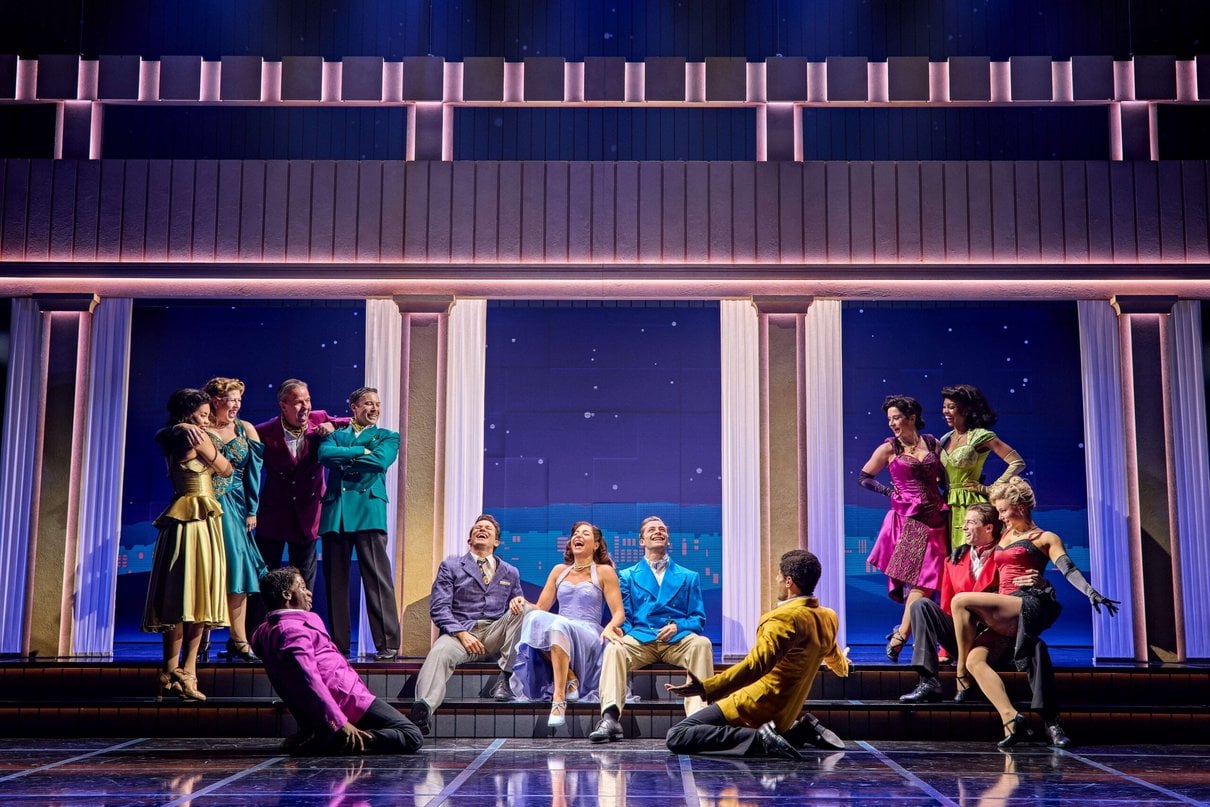
Understand what the official booking routes cover, where access and premium seating fit, and which details to confirm before you choose a performance.
When a theatre site presents several ways to book, the useful question is what each route actually changes. For Sinatra the Musical, the official offer is access to the West End production through standard online booking, a premium seat path, and separate routes for access, group and school enquiries.
There is no blanket discount or ticket bundle described in the official material we reviewed. The value is practical: booking direct gives you the show’s own availability calendar and information pages, while the right route depends on your seat priorities, access needs and party size.
Heads-up: we earn a commission from some links in this article. It never changes the price you pay.
What you need to know
- All Tickets is the standard online route for checking performances and seats.
- Premium Seats is a separate path for visitors prioritising position; availability and value depend on the performance.
- Captioned and audio-described performances are listed as access options, so confirm the date and format before booking.
- Group and school enquiries have dedicated routes, while the Sinatra: The Musical soundtrack is a separate listening extra.

All Tickets shows the standard online booking route
The official All Tickets route is the logical starting point if you have a date in mind and want to see the available performance and seat choices together. The booking calendar is useful for comparing dates before committing. Open the All Tickets availability calendar, then check the specific performance, seating map and checkout terms shown for that date.
This is a booking route, not a promise that every seat or performance will remain available. Availability can change, and the official pages do not define one fixed package that applies to every visitor. If flexibility matters, compare more than one date in the calendar before making plans around a particular seat.
- Choose a performance date first, especially if your visit depends on transport or an evening schedule.
- Use the seat map to compare position and listed ticket conditions.
- Review the final booking page before confirming, including any terms presented at checkout.
For readers who value choice and are comfortable making the seat decision online, this route keeps the key steps in one place. Start from official All Tickets booking and use the listing as the current source for availability rather than relying on an old offer description.

Premium Seats puts seat position first
Premium Seats is presented as a distinct option within the booking flow. It may suit a visitor who values a particular part of the auditorium and is happy to weigh that preference against the alternatives listed for the same performance. The official Premium Seats route takes you to the seat selection experience; it does not establish that premium is the best value for every date.
Compare the premium choice with the standard seats visible in All Tickets. Think about sightline, where you prefer to sit and whether the performance time works. The listing and map are the right place to judge what is available; the label alone cannot tell you how much the position matters to your party.
A straightforward check before choosing:
- Open the same performance date in the official booking flow.
- Compare the seats and the information attached to each option.
- Choose Premium Seats only if the position suits your priorities after that comparison.
This is a specific seat preference, not an all-in package described as including extras. If location in the auditorium is secondary, the standard ticket calendar gives you a useful baseline before selecting.
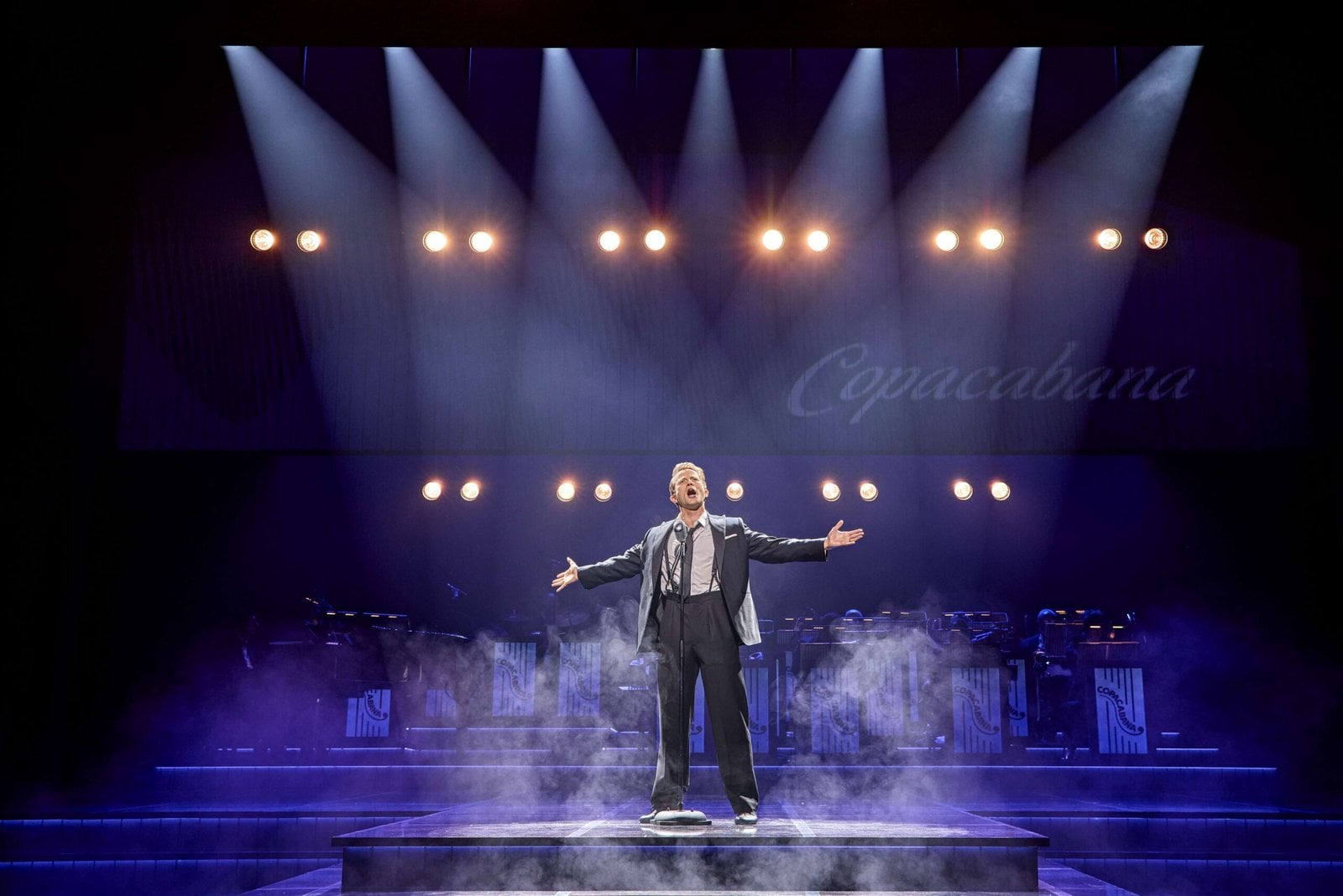
Access, groups and schools need a tailored check
The official site identifies captioned and audio-described performances, alongside group and school booking enquiries. These serve different needs, so there is no single route that covers every party. A visitor who needs a particular access format should check the performance listing and confirm that the chosen date provides it before completing a booking.
Use the official ticket information page as a starting point for access and booking details. If the information for your date is not explicit, contact the theatre through its official channels before paying. The presence of access performances on the site is helpful, but it does not mean every performance is captioned or audio-described.
For a larger party, group and school enquiries are the better fit than assuming the ordinary calendar automatically applies a group arrangement. Ask about the relevant process, availability and any conditions for your party directly. The ticket information route helps direct that check. Keep the response with your booking notes so the confirmed arrangement is clear.
- Match the access format to the exact performance date.
- Ask about group or school arrangements before booking seats separately.
- Confirm any details that affect arrival, seating or the experience with the venue.
These extra routes make the official offer more useful for specific visitors, but they call for a little more planning than selecting a standard seat. Start with the details for your needs, then compare performance availability through All Tickets.
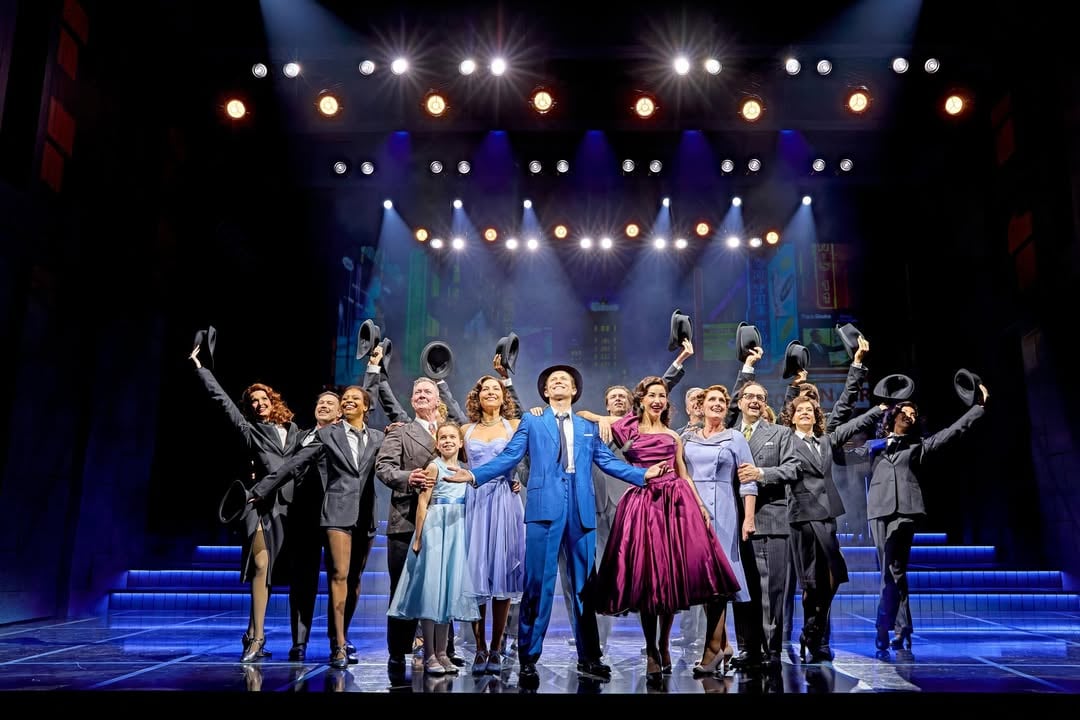
The soundtrack is a separate extra
The Sinatra: The Musical soundtrack has its own official music page. It is a listening companion, not a ticket add-on that the booking information says is included with a seat. That distinction matters if you are comparing the cost and contents of an evening out with a separate way to revisit the songs.
Visit the soundtrack page to see the current listening options. The site presents it independently from the ticket calendar, so treat it as an optional extra and check its availability on its own terms. It may interest a fan who wants the music beyond the performance, while a visitor focused on the live event can ignore it without changing the seat selection.

How to use the official booking offer
For most visitors, the clearest sequence is to choose the performance, decide what matters in a seat, then check whether any access or group requirement changes the route. The official booking pages keep the current details close to the purchase decision; use those pages as the final authority because availability and performance information can change.
- Compare dates in All Tickets and shortlist a suitable performance.
- Review standard seats, then compare the relevant Premium Seats option if position is important.
- Check ticket information for access, group or school questions before checkout.
- Consider the separate soundtrack only if you want an additional music option.
- Read the final booking details and conditions displayed for your chosen date.
Because there is no stated universal deal or fixed discount in the material reviewed, we would not plan around a saving that the official site has not promised. Instead, the benefit is a direct view of the available booking paths and specialist information. The final choice still depends on current seats, date, access fit and the terms attached to your selection.
Is the official Sinatra the Musical offer right for your visit?
It is a sensible starting point if you want to book with the production’s official route and compare regular and premium seating in context. The dedicated access, group and school information is also useful for visitors whose needs do not fit a simple two-seat booking. The soundtrack adds a separate option for listeners, without being presented as part of the ticket.
The limitation is that there is no universal discount or bundled benefit established by the available offer information, and seat value remains personal. Check availability, access details and checkout terms for your chosen performance before deciding. For a direct view of the current routes, use the official booking page below.