
A practical guide to choosing between three HP OmniBook formats as summer shifts work, study and screen time between home and shared spaces.
Australian summer can change the shape of a work or study day: a desk may give way to the kitchen table, a shared room or a spot with better light. A laptop that fits those transitions is useful, but “portable” can mean a lighter carry, a flexible screen or simply a setup that stays ready at home.
We reviewed the product information on the French HP Store site for three OmniBook formats. The listings show different priorities, so this guide focuses on matching the design to the routine and checking the configuration details before deciding.
Heads-up: we earn a commission from some links in this article. It never changes the price you pay.
What you need to know
- The HP OmniBook X Flip 16-cc0008nfx is the convertible choice for readers who value different screen positions.
- The HP OmniBook 3 17-dk0006nf puts a larger display at the centre of a mostly stationary setup.
- The HP OmniBook 5 14-he0012nf is the smaller-screen option to consider when portability leads.
- Availability, specifications, delivery and returns are listing details to check on the French store before choosing.
Three OmniBook formats suit different summer routines
| Model | Format | Best suited to | Check before choosing |
|---|---|---|---|
| HP OmniBook X Flip 16 | 16-inch convertible | Flexible screen positions | Configuration, dimensions and included accessories |
| HP OmniBook 3 17 | 17-inch laptop | Mostly stationary desk use | Weight, display specification and configuration |
| HP OmniBook 5 14 | 14-inch laptop | Smaller footprint and regular movement | Weight, processor, memory and storage |
The OmniBook X Flip 16 adjusts to more than one desk
When a summer routine involves changing rooms or sharing a table, a convertible design can be more useful than a fixed laptop posture. The HP OmniBook X Flip 16-cc0008nfx is listed as a 2-in-1, so its screen can be positioned for different ways of viewing. HP’s French product imagery shows it in a tent-style position, a practical cue for shared viewing or following a reference beside your notes.
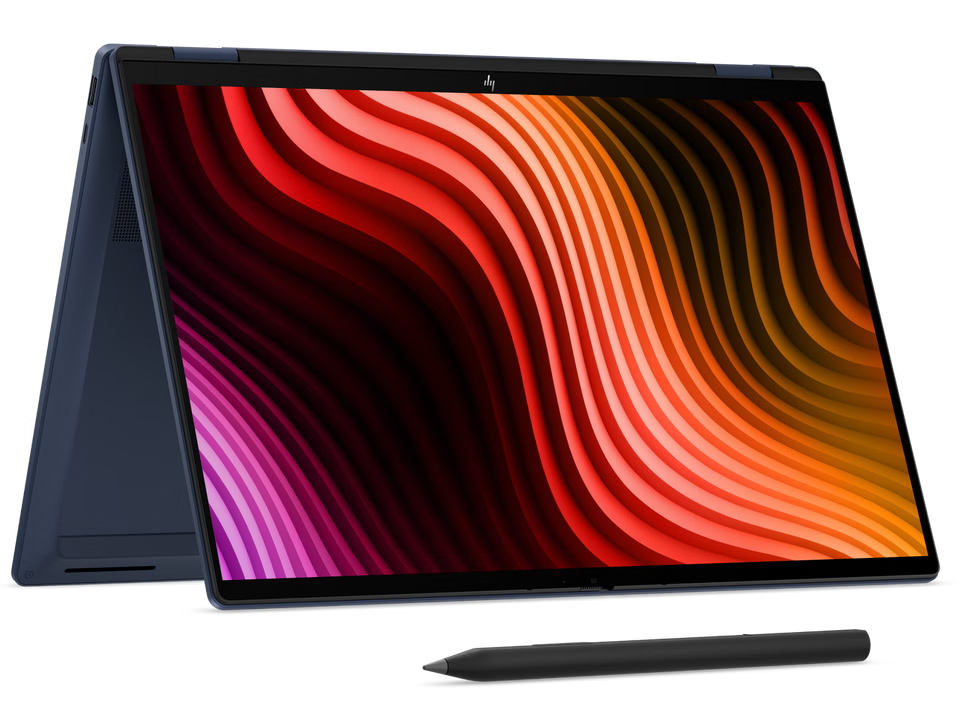
Its trade-off is inherent in the format: a larger convertible still occupies more space in a bag and on a narrow café table than a compact notebook. It makes most sense if touch or screen flexibility is part of your routine, not simply because the hinge looks versatile. Check the current listing for its exact processor, memory, storage, included accessories and availability; configurations can matter as much as the model name.
For readers comparing options, the OmniBook X Flip 16 prioritises adaptable positioning, while the OmniBook 5 14 prioritises a smaller footprint. The better fit depends on whether your days need the screen to change position or the device to move easily.
The OmniBook 3 17 gives a home setup more screen area
A larger screen can keep a study session or spreadsheet easier to lay out without adding a separate monitor. The HP OmniBook 3 17-dk0006nf is the 17-inch model in this shortlist, with a Glacier Silver finish shown on the product page. Its size points toward a home desk, a shared family workspace or a fixed study corner where display space matters more than the smallest possible carry.
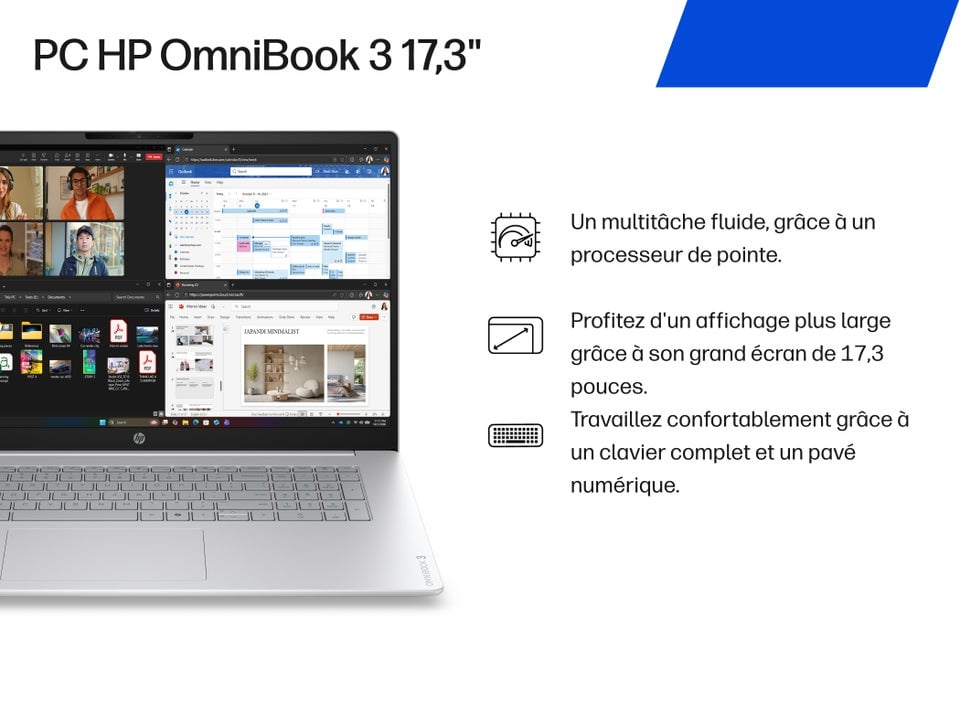
The compromise is straightforward: a 17-inch laptop is less convenient to move frequently than a compact model. Before selecting it for summer travel between locations, compare its dimensions and weight on the listing, then consider whether you will actually carry it daily. The OmniBook 3 17 is a more natural fit for longer sessions from one spot than for a commute where bag space is already tight.
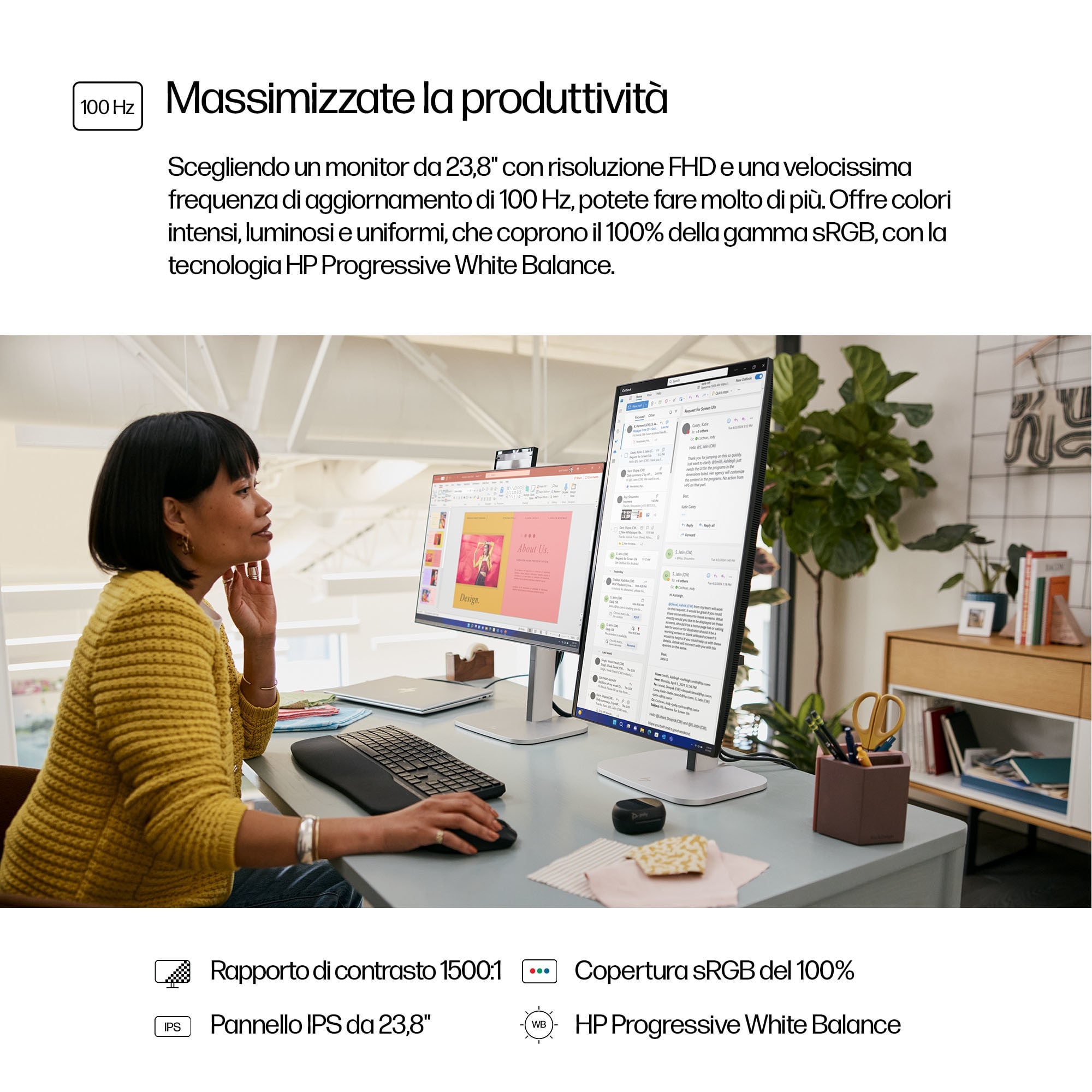
Think about accessories too. A large laptop can serve as the main screen at home, while an external display becomes less essential. HP lists a separate Series 5 Pro monitor in its catalogue, but adding a monitor only makes sense if the work benefits from a second screen and the desk has room for it. The useful summer setup may be the one with fewer items to pack away at the end of the day.
The OmniBook 5 14 keeps the shortlist compact
The HP OmniBook 5 14-he0012nf has the smallest screen size among these three listed models. That makes it the sensible comparison point for people carrying a laptop between home, campus and a shared office, or who prefer a compact footprint on a busy table. HP’s page imagery presents the 14-inch laptop in Glacier Silver.
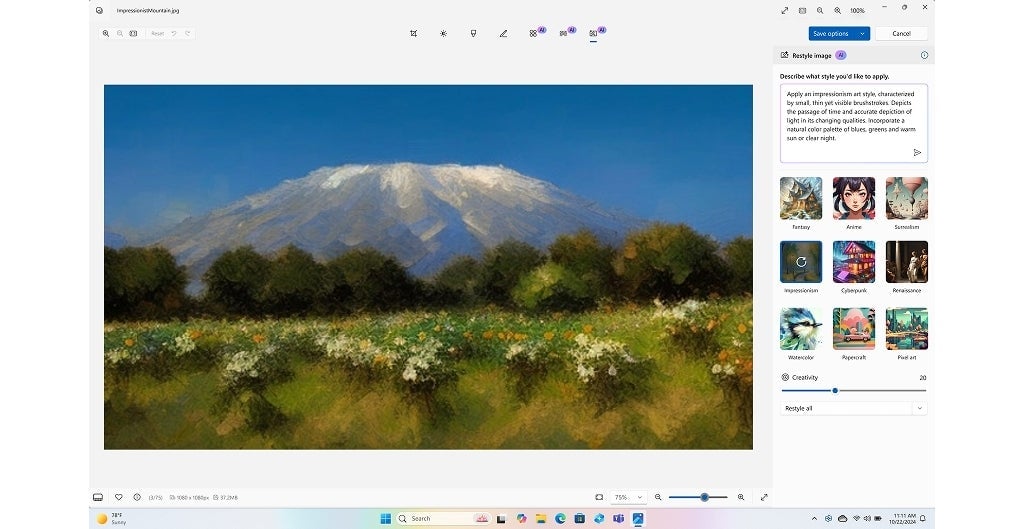
A smaller display gives up some workspace compared with the OmniBook 3 17. That may be noticeable when you keep several windows open or read long documents side by side. If you usually connect to a monitor at home, a compact laptop can still make sense: the desk provides screen area when needed, and the laptop stays easier to move the rest of the time.
Do not assume that the family name alone settles performance or battery expectations. The listing configuration is the relevant source for processor, memory, storage, display and any included software or accessories. Compare those specifications against your real workload, then check stock and the store’s stated delivery and returns information.
A quick summer shortlist keeps the choice practical
Before opening multiple tabs, decide which constraint is most important. This short list makes the product pages easier to compare:
- Choose flexibility: compare the OmniBook X Flip 16 if you will use alternate screen positions.
- Choose screen area: compare the OmniBook 3 17 if the laptop mostly stays on a desk.
- Choose a smaller carry: start with the OmniBook 5 14 if movement between spaces is routine.
Keep the comparison grounded in the listings: exact configurations can vary, and the French HP Store page is where availability and current product details are shown. Readers browsing from Australia should also confirm the regional store’s service and delivery terms meet their needs; a page in the French region may not describe Australian fulfilment.
The DeskJet 2900 is a separate home-work consideration
Not every summer work setup needs a printer, but people handling school forms, travel documents or occasional home paperwork may want to weigh one separately from the laptop choice. HP’s French catalogue includes the DeskJet 2900 series, represented in a home workspace scene. It is a different purchase decision, so check the specific model’s functions, supplies and compatibility rather than assuming every printer in a family has the same features.
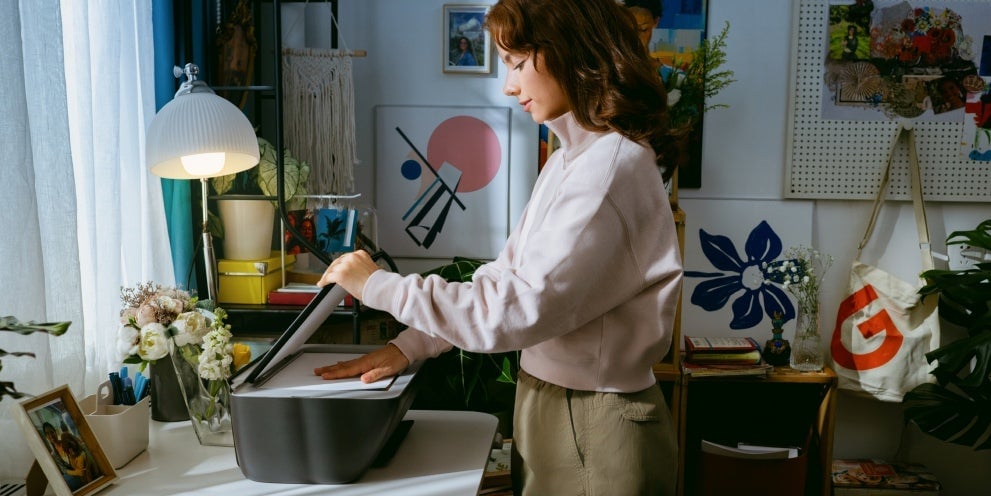
A printer also adds ongoing supply and setup considerations, which may be unnecessary if documents are handled digitally or through a campus or office service. Keep it outside the laptop shortlist unless print tasks are frequent enough to justify a dedicated place in the home workspace.
Which HP OmniBook suits a summer work or study routine?
For a routine that moves around but benefits from a flexible screen, the HP OmniBook X Flip 16 is the most adaptable format in this group. For a home base where display area matters, the HP OmniBook 3 17 is the more direct match; for regular carrying, start with the HP OmniBook 5 14.
Our recommendation is to choose by screen size and movement first, then verify the exact configuration and regional fulfilment on the French listing. The limitation is that model names alone cannot confirm the specifications or service terms for your location, so the product page needs a final check.