
A practical guide to matching the French HP Store range with everyday computing, home printing and gaming display needs.
Choosing from a technology store can mean comparing products that solve completely different problems. The French HP Store carries laptops, printers and monitors, so the useful starting point is the job each device needs to do, not a single best product for everyone.
This guide uses product information shown on the regional store pages. The models and configurations available can change, so use the product pages to confirm the current specification, availability and service details before deciding.
Heads-up: we earn a commission from some links in this article. It never changes the price you pay.
What you need to know
- The HP OmniBook 5 Flip 14-km0003nf is a convertible laptop option for buyers who want a screen that can fold into different positions.
- The HP OmniBook 3 14-hy0014nf is a conventional compact laptop choice for portable everyday computing.
- The HP Envy 6530e combines home printing and scanning, while recurring ink needs should be part of the decision.
- The HP OMEN 27q G2 is listed as a QHD gaming monitor with a 180 Hz refresh rate; check its fit with your computer and desk.
The OmniBook 3 keeps the laptop choice straightforward
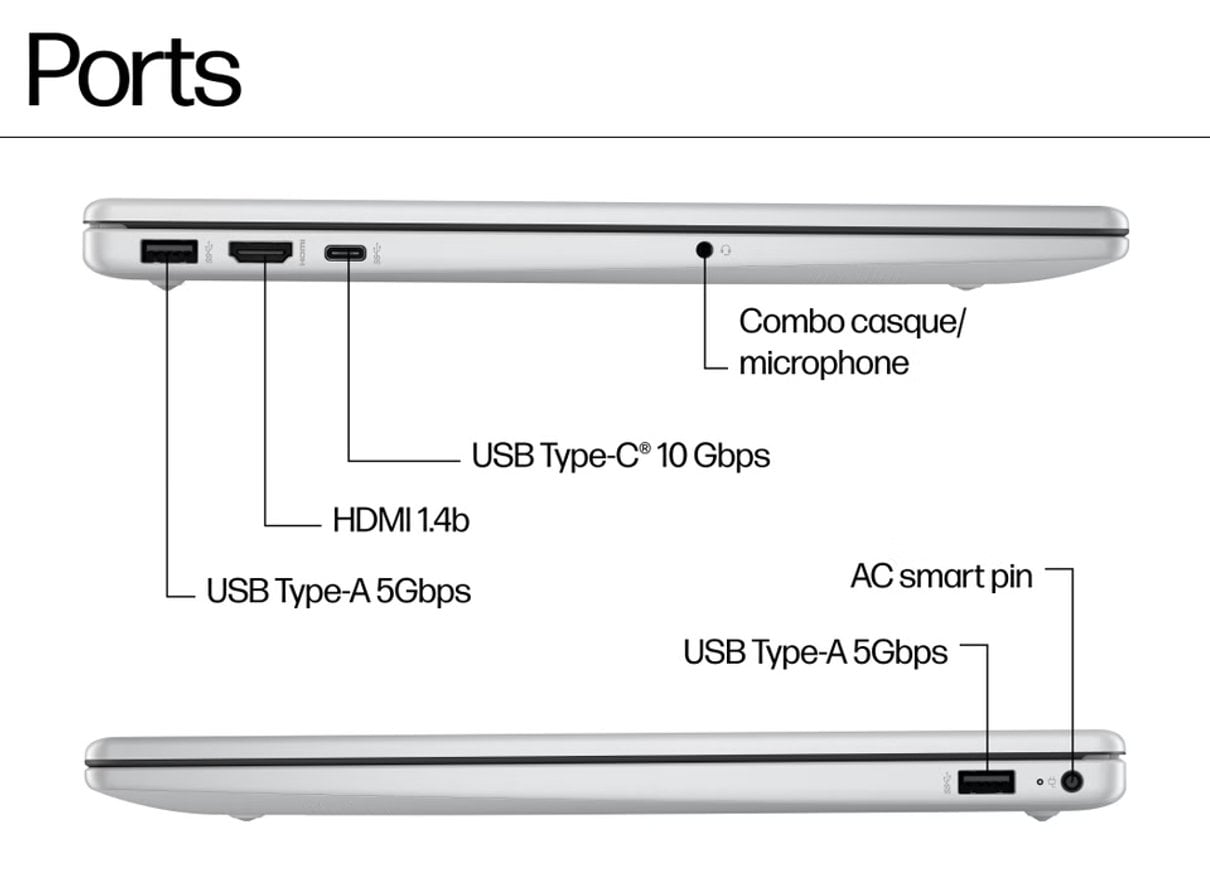
If the main need is a portable computer for browsing, documents, study or general household use, start with the HP OmniBook 3 14-hy0014nf. Its 14-inch format gives the range a conventional laptop option. Before choosing a configuration, compare the processor, memory and storage listed on the page against the applications and files you expect to keep on the device.
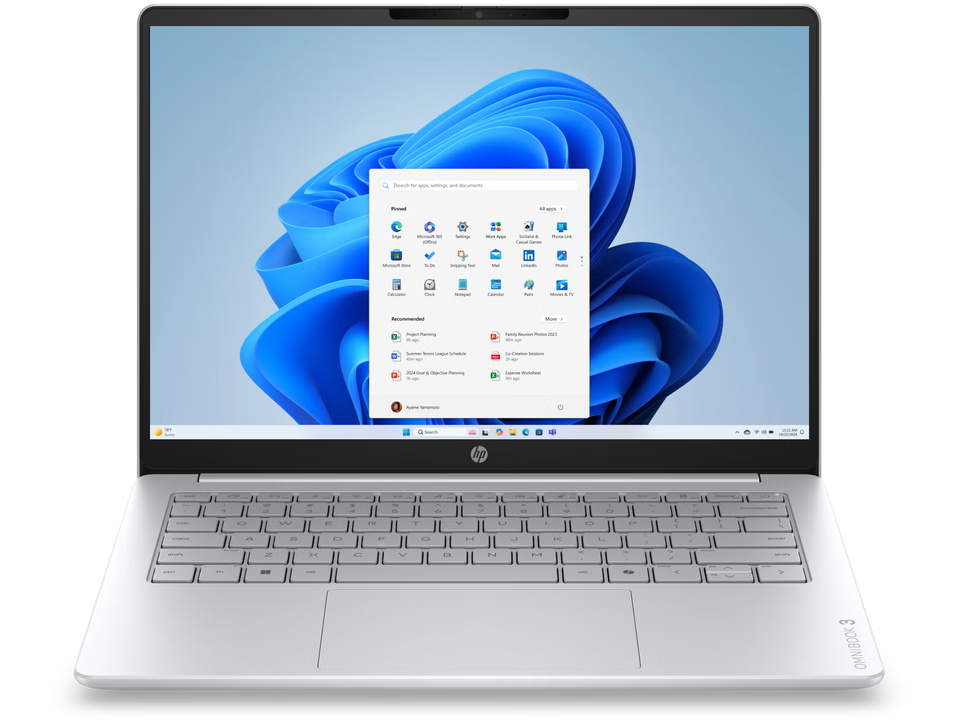
A compact screen is helpful when portability matters, but it can feel restrictive for long sessions with several windows. Buyers who work mostly at a desk may want to consider a separate monitor, while people moving between rooms may prefer to keep the setup simple. Open the OmniBook 3 product details and confirm the exact configuration rather than assuming every listing shares the same components.
The OmniBook 5 Flip adds a convertible format
The HP OmniBook 5 Flip 14-km0003nf is the more flexible format in this group. A hinged screen can be positioned for different tasks, which may suit people who alternate between typing, viewing and touch interaction. The page imagery also shows a pen, but check the product listing to confirm what is included with the specific configuration.
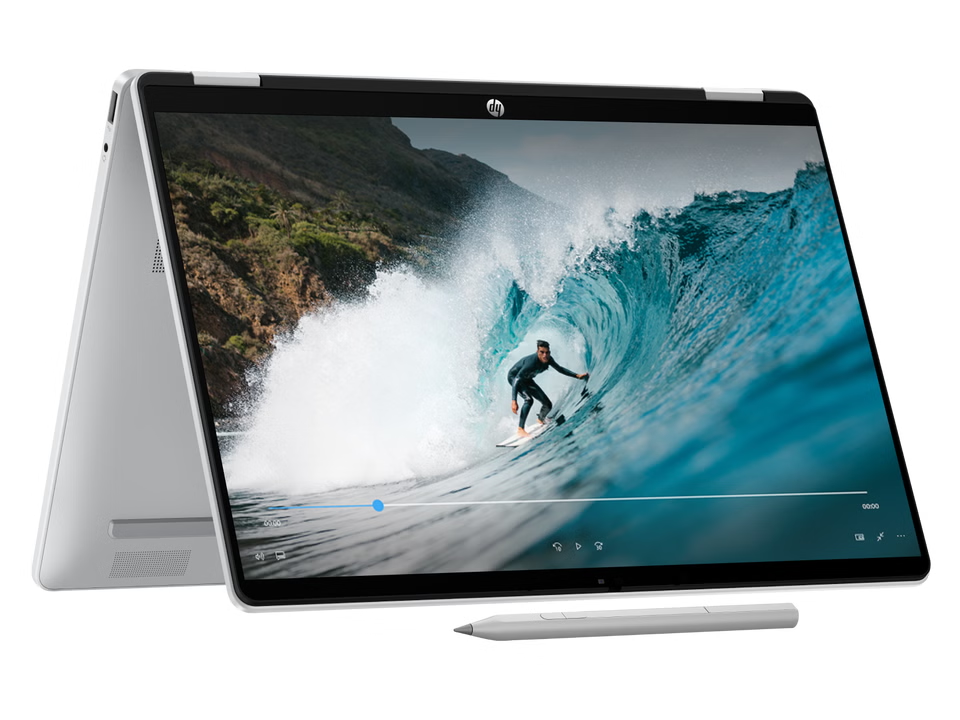
That flexibility has a trade-off: it is useful only if you will use the alternate positions. If your routine is mostly typing at a desk, a conventional notebook can be the cleaner fit. Check weight, ports, screen properties and pen inclusion on the Flip product page before paying for features that may stay folded away.
The Envy 6530e combines common home print tasks
For households that still need paper copies, the HP Envy 6530e is an all-in-one printer. The product listing identifies it as a printer and scanner, making it relevant for basic home documents and occasional scanning. Consider whether you need colour printing, scanning and copying in one device, then compare those functions with how often they will be used.
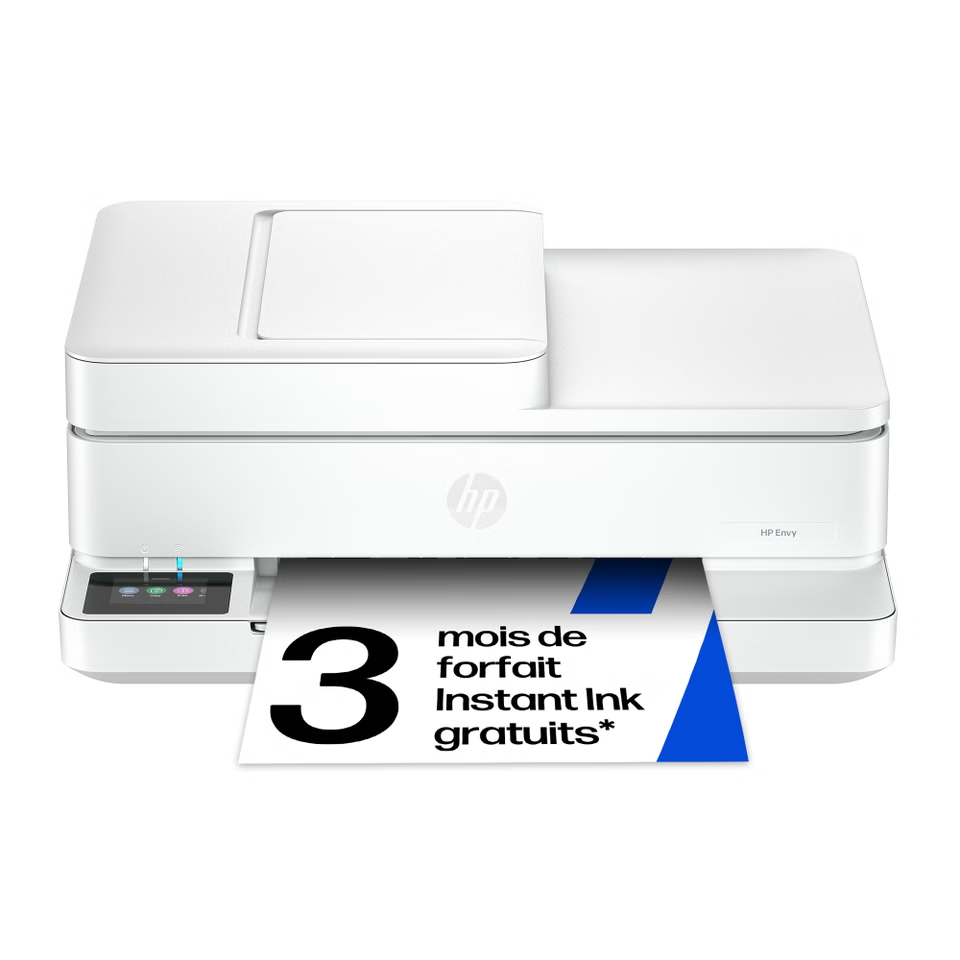
The less visible part of a printer decision is ongoing supply. Check the French store listing for supported ink, subscription or replenishment terms and weigh them against your expected print volume. A device that matches occasional use may not be the right fit for frequent colour-heavy printing. Product pages can change, so confirm compatibility and available support directly on the Envy 6530e listing.
The OMEN 27q G2 is aimed at gaming displays
The HP OMEN 27q G2 is a 27-inch QHD gaming display listed with a 180 Hz refresh rate. That makes it a more focused option than a general-purpose office screen. A high refresh rate matters most when the computer can deliver compatible output and the games or applications make use of it, so check the graphics hardware and connection options before selecting a monitor.
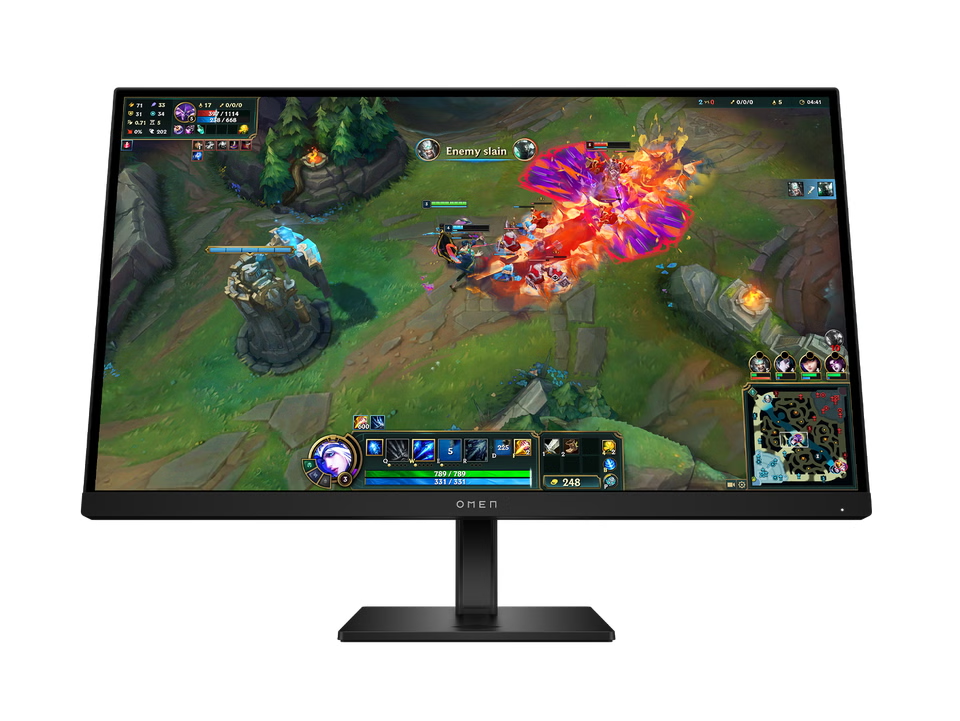
Resolution, refresh rate and desk space should be considered together. QHD provides more pixels than standard Full HD, while the higher refresh ceiling may be useful for compatible gaming setups. The monitor cannot make a less capable computer render faster on its own. Review the ports, stand adjustment and included cables on the OMEN 27q G2 details and compare those with your setup.
Match the product to the task before you compare configurations
This compact comparison separates the roles of the four examples. It is a shortlist, not a claim that these are the only models in the French catalogue. Each linked model opens its own store listing, where configuration and availability details can be checked.
| Option | Useful for | What to check |
|---|---|---|
| HP OmniBook 3 14-hy0014nf | Portable everyday computing | Memory, storage and screen configuration |
| HP OmniBook 5 Flip 14-km0003nf | Work that benefits from a convertible format | Included pen details and chosen configuration |
| HP Envy 6530e | Home printing and scanning | Ink supply terms and supported tasks |
| HP OMEN 27q G2 | Gaming and high-refresh display use | PC output, ports and desk fit |
- Choose a laptop by screen size, workload, memory and storage before comparing finish or extras.
- Choose a printer by the tasks you need and the continuing cost and availability of its supplies.
- Choose a monitor by resolution, refresh rate, connection support and the space available on your desk.
For a portable everyday computer, compare the OmniBook 3 listing with the OmniBook 5 Flip listing only after deciding whether a convertible hinge is useful. For home paperwork, the Envy 6530e meets a different need entirely. And the OMEN 27q G2 is best considered alongside a compatible gaming PC, rather than as a laptop alternative.
Check the regional listing before you choose
The HP Store experience is useful when you want to review model details and configurations from the brand’s French storefront. Do not assume that specifications, support coverage, shipping arrangements or product availability match another country’s store. The page for the specific model is the place to confirm what is currently listed for this region.
A sensible shortlist can stay small: pick the product category, set the features that matter, then check any ongoing costs or compatibility limits. The convertible laptop, all-in-one printer and gaming monitor each serve different setups, so the best choice follows the gap you are actually trying to fill.
Which HP Store option fits your setup?
For everyday portable computing, the OmniBook 3 14-hy0014nf is the simpler starting point; choose the OmniBook 5 Flip if its convertible format has a clear role. The Envy 6530e is relevant when home printing and scanning are needed, while the OMEN 27q G2 suits a compatible gaming setup. Our recommendation is to choose by task and verify the exact regional configuration; the limitation is that catalogue details and availability can change.