


Category: Technology – Laptops & Computing

The Memory Bandwidth Factor: A Technical Guide to Choosing the Right MacBook Pro at KRCS
Most MacBook Pro advice collapses into a simple ladder: base chip for everyday, Pro chip for professionals, Max chip for the best. It sounds neat, and it often works, but it misses the most predictive variable in Apple silicon systems: unified memory bandwidth.
MacBook Pro is not just a laptop. It is an engineering package where CPU, GPU, Neural Engine, memory, display, thermals, and ports are balanced to avoid bottlenecks in real workflows. The best configuration is the one that keeps your pipeline moving two years from now when your files are larger, your timelines are heavier, and your toolchain expects more headroom.
KRCS, the UK’s longest-running Apple Premium Reseller (established in 1986), sells MacBook Pro across multiple sizes and silicon tiers. This guide is designed to make the purchase logic more technical and more practical: understand the architecture, identify your constraints, then pick the tier that removes your bottleneck.
Expert buying principle: In Apple silicon laptops, the most expensive mistake is under-specifying unified memory. You cannot upgrade it later, and memory pressure is where performance and longevity fail first.
What KRCS is offering: MacBook Pro configurations for pro workflows
On the KRCS Mac pages, MacBook Pro is presented as Apple’s top-tier portable for professional work: a high performance-per-watt system with an XDR-class mini-LED display, active cooling for sustained loads, and pro connectivity (Thunderbolt depending on tier). The key idea is choice. MacBook Pro is a matrix of decisions, not a single SKU.
- Size: 14-inch or 16-inch
- Chip tier: base, Pro, Max (varies by model generation)
- Unified memory: capacity and bandwidth tied to chip tier
- Storage: SSD capacity for local media and datasets
- I/O: Thunderbolt generation and peripheral strategy

Unified memory architecture, explained without the marketing
Traditional laptops split memory into system RAM and GPU VRAM. That separation forces data copies and adds latency when the GPU needs assets the CPU prepared. Apple silicon uses unified memory, meaning CPU, GPU, and Neural Engine share a single high bandwidth pool. For many pro apps, that reduces overhead and improves consistency.
But unified memory has a second property that quietly drives performance: bandwidth. In the technical draft, the M4 family was characterised by large jumps in bandwidth between tiers:
- M4: approximately 120 GB/s memory bandwidth
- M4 Pro: up to 273 GB/s, around 2.3x faster
- M4 Max: up to 546 GB/s, around 4.55x faster
Why this matters: GPU cores and media engines can only work as fast as the system can feed them. A high core-count GPU that is bandwidth-starved will under-deliver. Apple’s tiering is intentionally proportional: the Max tier pairs far more GPU cores with far more bandwidth so the GPU can stay busy.
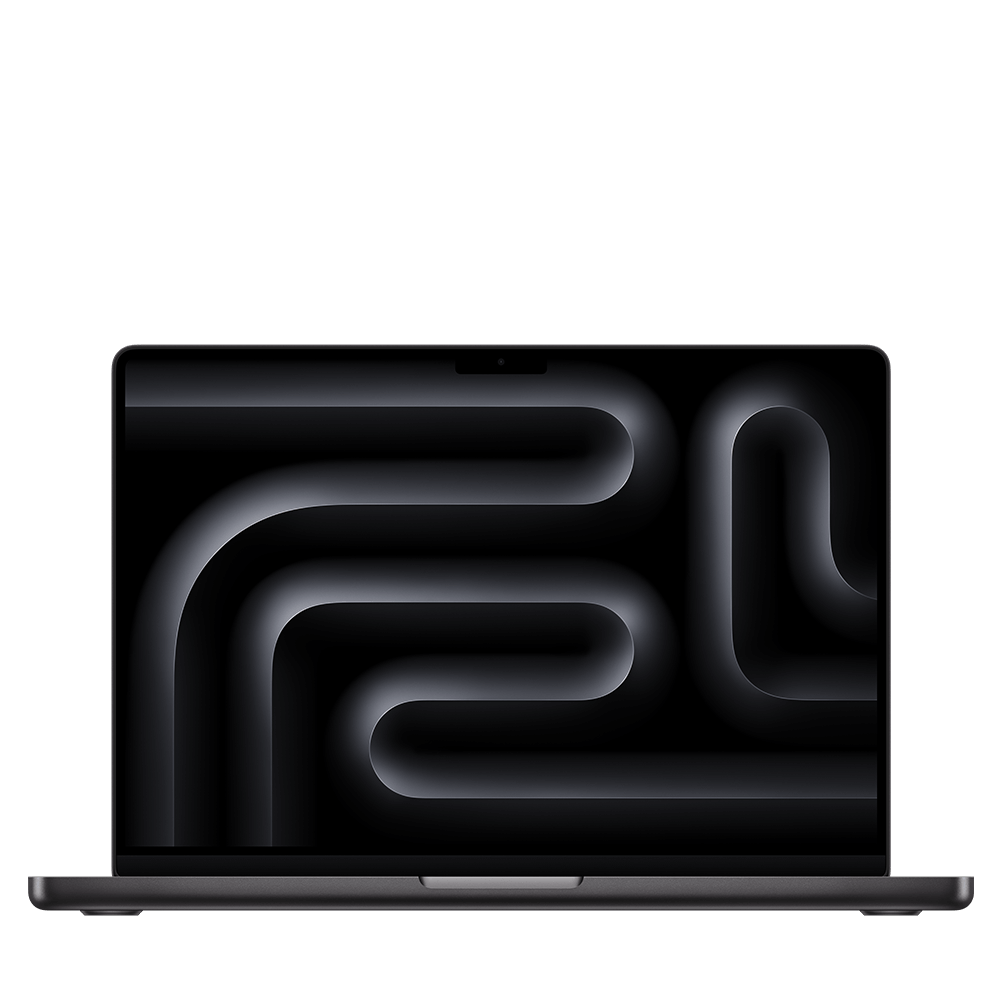
Configuration comparison: what changes as you move up tiers
Below is a consolidated comparison based on the draft’s tier breakdown. Treat it as a decision tool: identify the column that matches your workload profile, then focus on the non-upgradeable constraints (memory and bandwidth) before you think about storage.
| Attribute | 14-inch Base tier | 14-inch Pro tier | 16-inch Pro tier | 16-inch Max tier |
|---|---|---|---|---|
| CPU profile | High burst, strong efficiency | More performance cores for sustained compute | Similar to 14-inch Pro tier, with larger chassis | Highest ceiling for long, heavy CPU workloads |
| GPU scaling | Best for light to moderate GPU work | Serious creative and compute acceleration | Same tier GPU class with more sustained headroom | Top-tier GPU performance for render-heavy workflows |
| Memory bandwidth (example) | ~120 GB/s | Up to ~273 GB/s | Up to ~273 GB/s | Up to ~546 GB/s |
| Unified memory ceilings (example) | Up to 32GB | Up to 48GB | Up to 48GB | Up to 128GB |
| Display | 14.2-inch Liquid Retina XDR | 14.2-inch Liquid Retina XDR | 16.2-inch Liquid Retina XDR | 16.2-inch Liquid Retina XDR |
| Connectivity | Thunderbolt varies by model tier | Higher tiers may support newer Thunderbolt generation | Better fit for multi-display and storage workflows | Best for high bandwidth docks and fast external arrays |
| Battery life (headline) | Up to 24 hours | Up to 24 hours | Up to 24 hours | Varies by configuration |
Display deep dive: Liquid Retina XDR as a production tool
MacBook Pro’s Liquid Retina XDR display is not just a “nice screen”. For many creative and technical roles it becomes a reference point: high brightness for mixed lighting, local dimming for deep contrast, and adaptive refresh for smoother interaction with complex UI.

- 14.2-inch: 3024 x 1964
- 16.2-inch: 3456 x 2234
- Peak brightness: up to 1,600 nits (HDR)
- Sustained brightness: 1,000 nits (SDR full-screen)
- Contrast ratio: 1,000,000:1
- Refresh rate: ProMotion adaptive up to 120Hz
- Colour: P3 wide gamut with True Tone
Thermals and sustained performance: the practical reason to choose Pro over Air
A spec sheet is silent on sustained output. The MacBook Pro chassis includes active cooling that helps maintain higher performance over long workloads. That matters for exports, compiles, simulations, and any job where “five minutes” turns into “two hours”.
The technical draft describes a clear functional split: MacBook Air can deliver strong burst performance, but MacBook Pro is built to hold performance for longer. If your work is cyclical and heavy, that thermal headroom becomes productivity, not theory.

Compare MacBook Pro and MacBook Air at KRCS
Workflow-fit recommendations: choose by constraint
A quick discipline map
Software development (Xcode, Docker, VS Code): Pro tier is often the sensible baseline. Containers and toolchains consume memory quickly, so prioritise unified memory capacity.
Video editing and finishing: Pro tier for 4K. Max tier becomes compelling as timelines become multi-stream, effects-heavy, or push toward higher resolutions where bandwidth and GPU matter more.
Data science and machine learning: The Max tier’s bandwidth and higher memory ceilings reduce friction for large datasets and GPU accelerated workflows.
Music production: Often CPU and memory capacity first. Pro tier is a strong fit when sessions and plugin chains grow.
Design and photography: Base tier can be excellent, but memory capacity still matters for large layered files and multitasking across creative apps.
Pros and cons: a balanced assessment
Advantages
- Unified memory architecture reduces CPU to GPU overhead
- Large bandwidth jumps between tiers help GPU and media workflows scale
- Liquid Retina XDR supports HDR work with high contrast and brightness headroom
- Active cooling supports sustained performance under long tasks
- Strong battery life headline of up to 24 hours on supported configurations
Limitations
- Memory and storage are not user-upgradeable after purchase
- Entry storage capacities can feel tight for media-heavy workflows
- Higher tier configurations can rise in price quickly
- If your workload is light and intermittent, Air may be more cost-efficient
Why KRCS: configuration guidance and broader Mac options
Buying a MacBook Pro is often a procurement decision as much as a personal one. KRCS’s Apple Premium Reseller status signals trained staff and support pathways that can matter for business, education, and teams standardising on specific configurations. It also helps that KRCS carries the broader Mac lineup, so you can validate whether you actually need a laptop or whether a desktop like Mac Studio is a better technical fit.


Conclusion: buy the tier that removes your bottleneck
The MacBook Pro range makes the most sense when you treat it like a platform. Start with the constraint that would hurt you most: memory capacity, bandwidth, GPU throughput, sustained thermals, or I/O for your peripherals. Then pick the tier that eliminates that constraint with enough headroom to keep the machine relevant as your workload grows.
For current configurations and availability through KRCS, use the link below and focus your attention on the choices you cannot change later, especially unified memory.