

A practical guide to matching HP Store laptops and an all-in-one printer to the way your spring work and study days actually unfold.
Spring can change the shape of a workday: a longer stretch at the kitchen table, study sessions that move between rooms, or a little more time spent planning projects at home. The right desk setup is less about adding devices and more about choosing a screen format and supporting tools that suit that routine.
We reviewed the product information on the regional HP Store pages to identify three useful starting points: a standard larger-screen laptop, a convertible touchscreen model and a home all-in-one printer. Configurations can differ by market, so readers should confirm the available specifications on the relevant store listing.
Heads-up: we earn a commission from some links in this article. It never changes the price you pay.
What you need to know
- The HP OmniBook 3 15-fn0017nf is a conventional 15.6-inch laptop for a roomier laptop display.
- The HP OmniBook 5 Flip 14-km0003nf pairs a 14-inch touchscreen with a 360-degree hinge for laptop and tablet-style use.
- The HP ENVY 6532e brings home printing and scanning together in one all-in-one device.
- Screen size, hinge design and print frequency are more useful comparison points than a seasonal trend alone.
The OmniBook 3 15 gives a shared desk more screen space
For a spring routine that mostly stays at one table, the HP OmniBook 3 15-fn0017nf is the straightforward choice in this group. Its 15.6-inch Full HD display gives documents, browser tabs and video calls a larger canvas than a compact laptop. HP lists an AMD Ryzen AI processor and describes the battery as suitable for a full day, with the actual result depending on configuration and use.
Its conventional laptop format suits readers who want a built-in keyboard and a display that feels less cramped for longer writing or spreadsheet sessions. If your desk shifts around the home, the larger chassis is a trade-off: it gives you more viewing room, but it takes more space in a tote than a smaller model. Check the HP OmniBook 3 15-fn0017nf on its HP Store product page for the specification of the listing available to you.
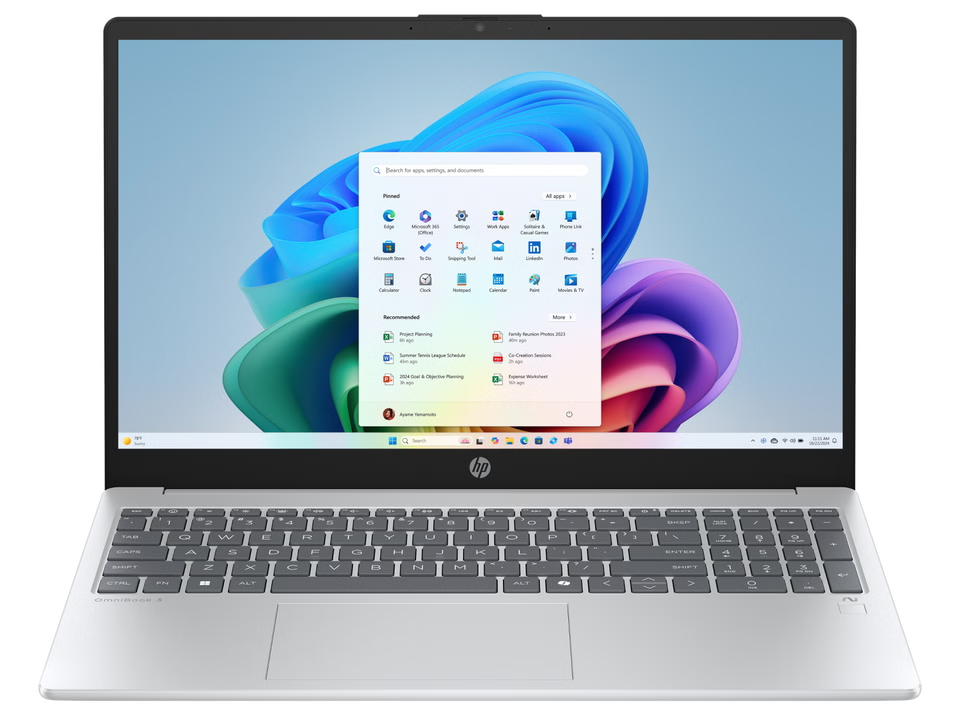
That makes it a sensible match for a fixed study corner, shared household desk or home office where the laptop is the main screen. It is less compelling if you regularly annotate pages by touch or want to fold the display behind the keyboard. Readers comparing different sizes can also browse the HP Store laptop listings and confirm their chosen model’s display details.
The OmniBook 5 Flip 14 moves between laptop and touch use
When spring plans mean moving between a desk, sofa and a quick planning session, flexibility has more value than a larger panel. The HP OmniBook 5 Flip 14-km0003nf is a 14-inch convertible with a hinge that rotates 360 degrees. HP’s product information also describes a responsive touchscreen, a five-megapixel camera with a manual privacy shutter, and ports including HDMI and USB-C.
That gives it a clear role for readers who switch between typing, touch navigation and a tablet-like posture. The convertible design can be useful for reading notes or sketching ideas, though a smaller screen is still a smaller screen when several windows need to stay visible. The product page describes a touchscreen display with up to 2K resolution in the range; buyers should check the exact configuration before relying on a specific panel option. See the HP OmniBook 5 Flip 14-km0003nf listing and feature details, or compare other portable HP Store formats.
For a desk-first routine, the HP Store also lists larger OmniBook formats. The product pages for the HP OmniBook 3 17 and HP OmniBook 3 16 show the same general laptop approach in different screen sizes. These pages are useful comparison points, but model names alone do not guarantee identical processors, panels or ports. Check the configuration details for the exact listing instead of assuming the specifications carry across the family.
The ENVY 6532e handles everyday home printing
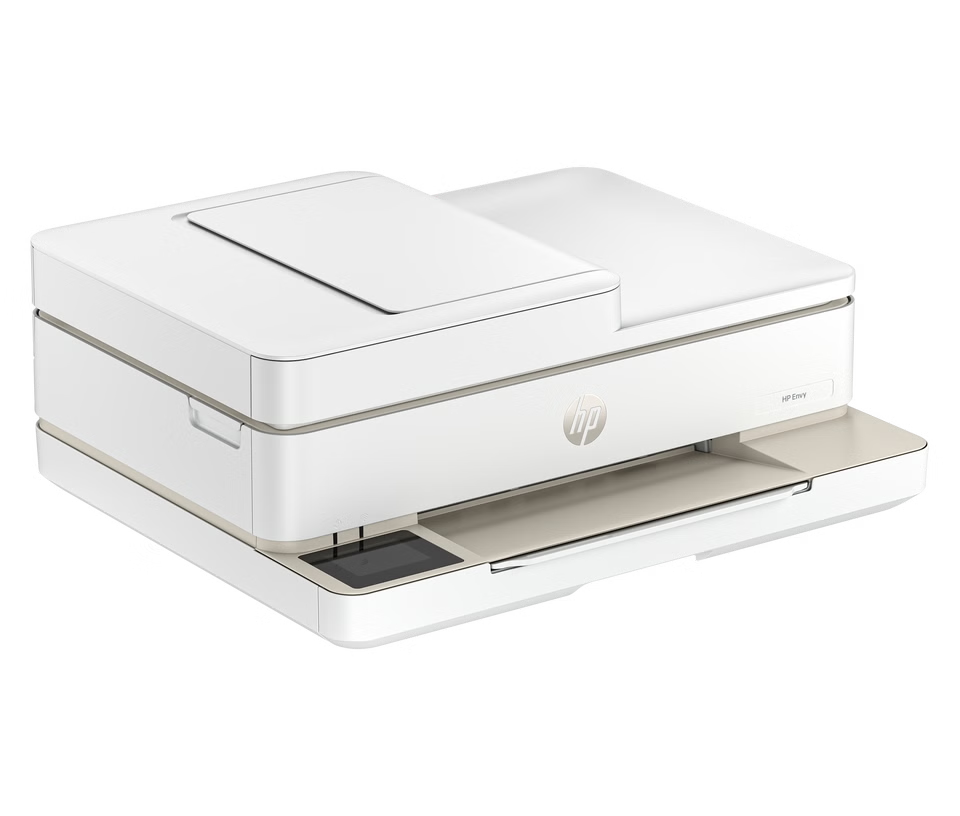
A seasonal desk can include paper as well as screens: school forms, return labels, recipes and project notes may still need printing or scanning. The HP ENVY 6532e is a home all-in-one printer, giving readers a single device for common print and scan tasks. The store page presents it within the Envy home printer range, so it is a practical consideration for households that do not want a separate scanner.
Its appeal depends on how often you print. If most work remains digital, a printer can occupy space without earning its keep; if several people use printed pages at home, having print and scan functions together can simplify the setup. HP’s listing and support pages provide the current details on connectivity, compatible supplies and service. Review the HP ENVY 6532e product information here, then check the HP Store printer range if your needs call for another format.
- Choose an all-in-one printer when scanning and copying are part of the routine.
- Check compatible ink and paper options before settling on a model.
- For occasional printing, compare the device footprint with how often you will use it.
A small comparison keeps the spring setup practical
These products solve different desk problems, so the best fit follows the routine rather than a single seasonal aesthetic. Use the quick comparison below as a shortlist, then verify the current regional listing before choosing a configuration.
| Option | Best fit | Useful detail |
|---|---|---|
| HP OmniBook 3 15-fn0017nf | Writing and multitasking at one desk | 15.6-inch Full HD format |
| HP OmniBook 5 Flip 14-km0003nf | Moving between typing and touch use | 14-inch touchscreen, 360-degree hinge |
| HP ENVY 6532e | Home print and scan tasks | All-in-one printer |
In practice, start with the device you will use most. A laptop is the central purchase for a mobile study routine; a printer is an add-on only when paper tasks show up regularly. The HP Store catalogue lets you compare laptop and printer categories directly, and its product pages set out the differences between individual configurations. Readers can browse its laptop options, look through home printers, and review available monitors if an external screen is part of the plan.
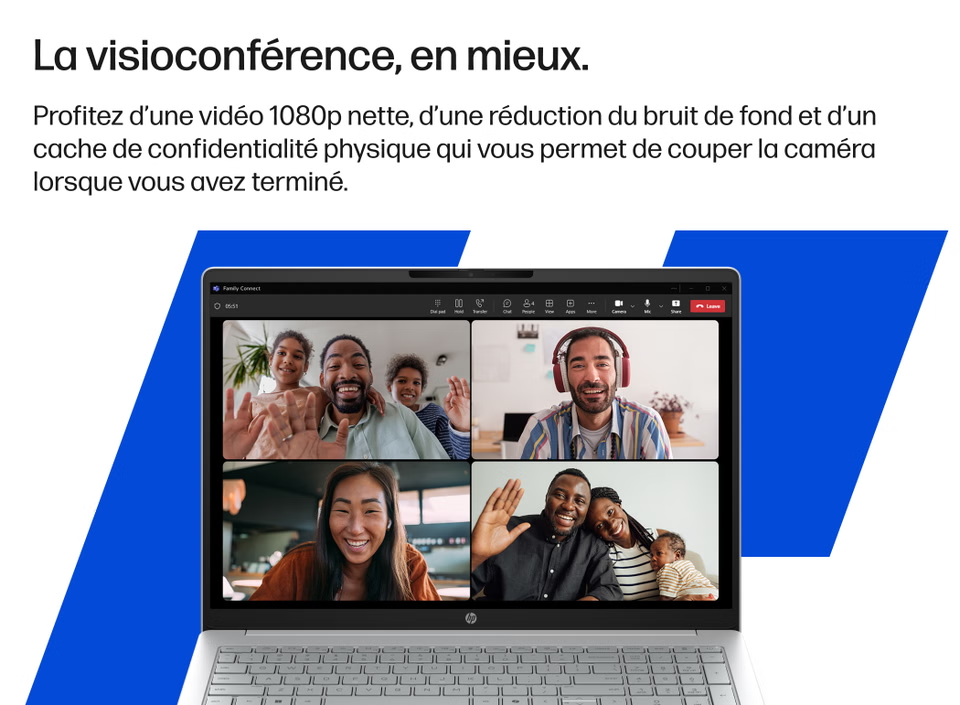
Check the listing before choosing a configuration
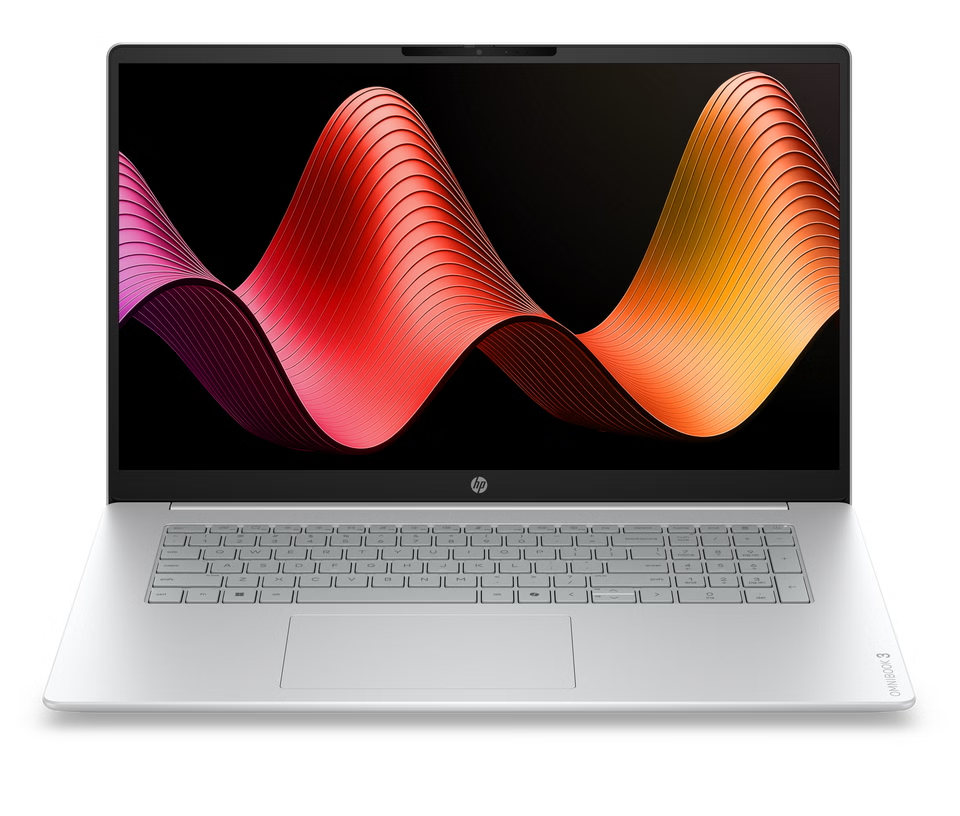
Product families can include several processors, screen panels, memory options and regional keyboard layouts. The pages cited here are on the France region of the HP Store, and readers should confirm delivery eligibility and product specifications for their location. A model name can describe a family rather than every option supplied in every market.
For a cleaner comparison, write down three needs before opening product pages: your preferred screen size, whether touch or a folding hinge would help, and the frequency of printing at home. Then compare those requirements against the details on each listing. The store’s category pages can help you locate current configurations, but the individual model page is where to verify ports, display details and included features.
- For a roomier laptop screen, start with the OmniBook 3 15 listing.
- For touchscreen flexibility, examine the OmniBook 5 Flip 14 configuration.
- For routine home paperwork, compare the ENVY 6532e with other all-in-one printers.
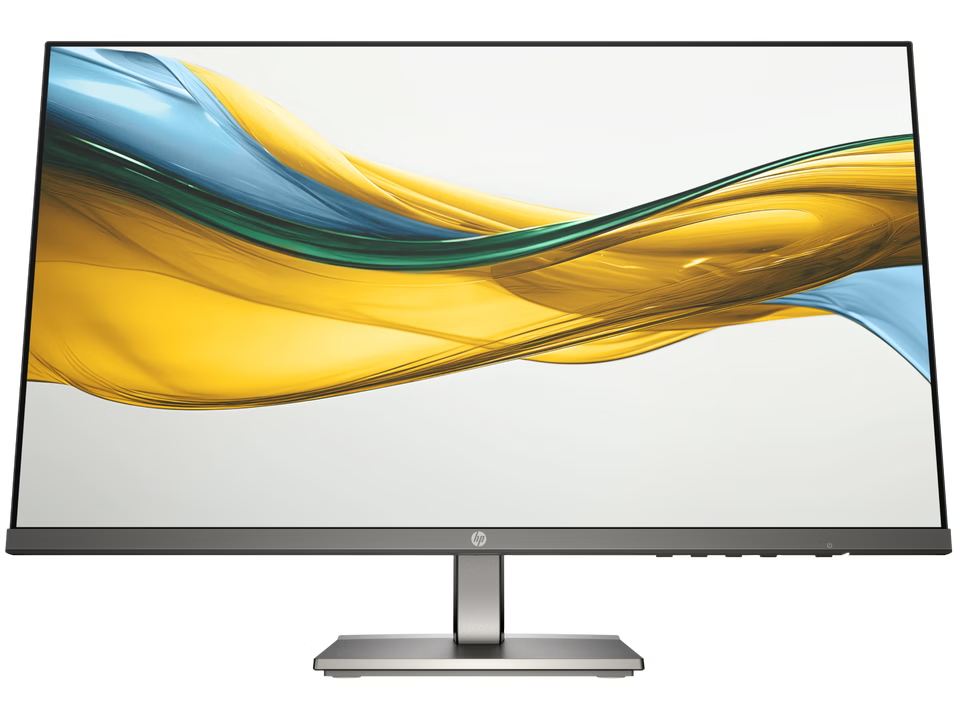
An external display can be a better next step than replacing a laptop when the main inconvenience is limited desk screen space. HP’s Series 5 monitor range adds another category to compare, but dimensions, connections and included cables should be confirmed on the model page. You can browse HP Store monitor choices alongside the laptop pages and decide whether a second screen fits your work area.
Which HP Store setup suits a spring work or study routine?
For a desk that stays in one place, we would begin with the HP OmniBook 3 15-fn0017nf and its larger laptop screen. Choose the HP OmniBook 5 Flip 14-km0003nf if touch and the convertible hinge answer a real need in your day. Add the HP ENVY 6532e only if printing and scanning are regular household tasks.
The limitation is that exact specifications and regional availability can vary across listings, while the HP Store pages used here serve the France region. Confirm the details and delivery options for your location before deciding. For a direct next step, review the HP Store collection and compare the configuration that matches your routine.