
Compare 3D Prima’s compact multi-colour printers, larger-format machines and supporting tools by the kind of work you want to make.
Choosing from 3D Prima is less about finding one machine that wins every category and more about matching the workflow to the object. A colour-rich tabletop model, a large functional part and a digitised object all ask for different equipment.
We compared the UK store’s product pages and specifications. The clearest divide is between Snapmaker U1 for multi-colour changes and Creality K2 Plus Combo for larger prints; the Creality Hi Combo sits between them on size and colour workflow.
Heads-up: we earn a commission from some links in this article. It never changes the price you pay.
What you need to know
- Snapmaker U1 has four independent toolheads and a 270 × 270 × 270 mm build volume, a fit for frequent multi-colour work.
- Creality K2 Plus Combo gives larger projects more room with a 350 × 350 × 350 mm build volume.
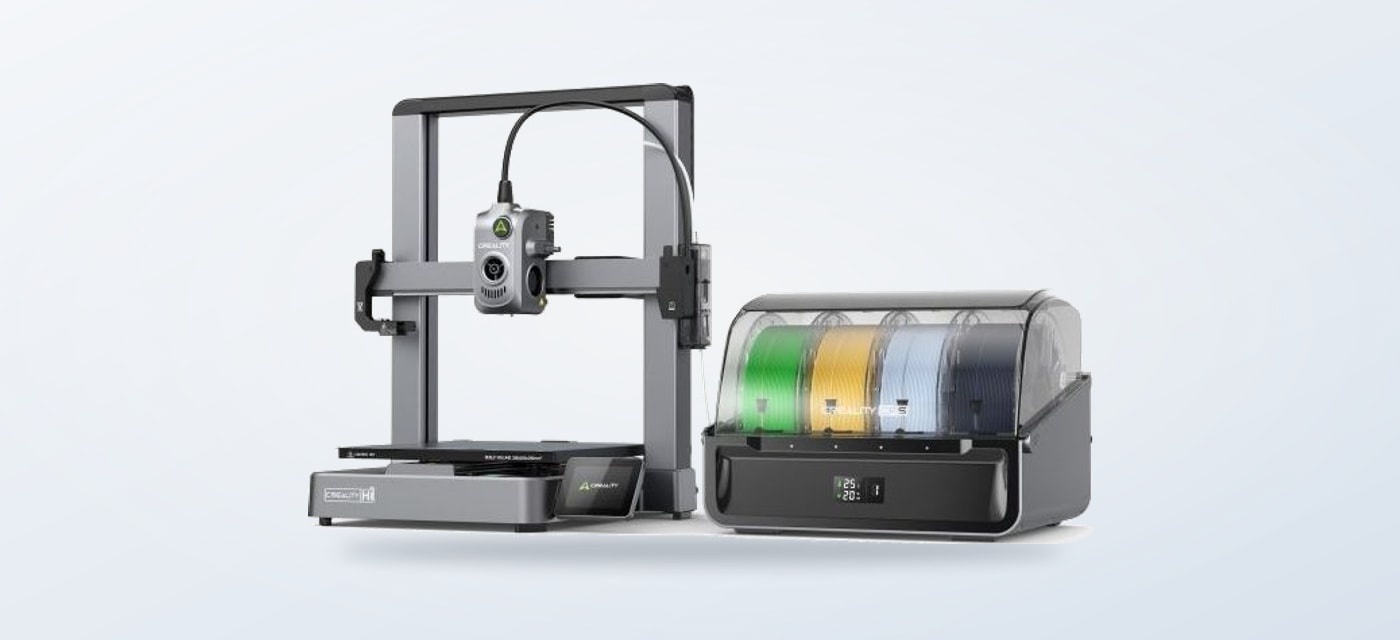
- Creality Hi Combo offers multicolour printing in a 260 × 260 × 300 mm format, with the CFS system supporting up to 16 colours when four units are used.
- Creality Pika is a handheld scanner for turning physical objects into digital models; it is a companion tool, not a printer alternative.
- PrimaValue PLA and PolyLite PETG are material choices for owners who already have a compatible printer.
Three printers serve different kinds of work
The Snapmaker U1 is the most focused pick when colour changes are central to the design. Its four independent toolheads switch without purging a single nozzle between each filament, and the store lists a 270 mm cubed build area. That supports multi-colour parts without taking on the footprint of the largest option here. The trade-off is capacity: a user who mainly makes oversized single-colour components pays for a colour workflow they may rarely use.
The Creality K2 Plus Combo reverses that priority. Its 350 mm cubed build volume is the strongest fit for larger models, batches of parts or projects where splitting a print into sections would be inconvenient. The product page also describes a heated chamber and high-temperature capability, useful considerations for users comparing engineering materials. Its larger body and feature set make less sense if the usual job is a small decorative print.
Between those ends, the Creality Hi Combo has a 260 × 260 × 300 mm build area and a multicolour route through Creality’s Color Filament System. The product page says up to four CFS units can support printing in as many as 16 colours. It arrives mostly assembled, according to the store, though the open build chamber remains a different proposition from an enclosed larger machine. For mixed hobby use, it balances colour capability with a moderate footprint.
| Option | Best for | Key trade-off |
|---|---|---|
| Snapmaker U1 | Four-toolhead colour work | Less volume than K2 |
| Creality K2 Plus Combo | Larger models and parts | More machine than small jobs need |
| Creality Hi Combo | Colour printing in a smaller format | Open chamber and smaller build area |
The table narrows the hardware choice; your typical object size and colour needs should settle the final shortlist.
Before choosing, check the live product pages for the complete bundle, included accessories, material compatibility and delivery terms. Bundle contents can change the practical value of an apparent price comparison, and a printer’s listed maximum speed does not describe every material or model equally.
Scanning and engraving solve different problems
Not every making project starts with a blank design file. The Creality Pika 3D Scanner combines seven parallel blue laser lines with NIR structured light in a handheld unit. The store lists up to 0.03 mm accuracy in blue-laser mode under laboratory conditions and scanning speeds up to 110 frames per second on a compatible computer. Those qualifications matter: results depend on mode, object and setup, and the product page notes marker-free laser scanning is available only in wired PC mode.
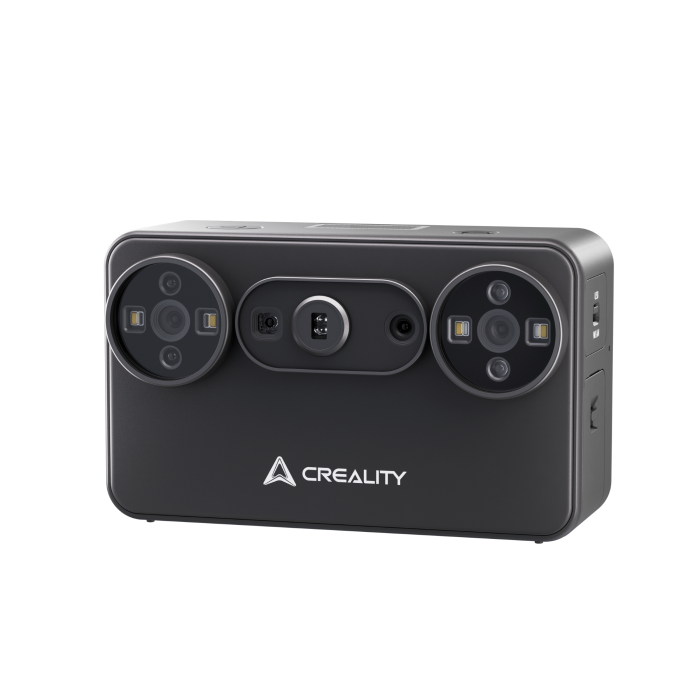
The scanner captures geometry for digital modeling; the laser engraver marks or cuts suitable materials. These tools serve separate steps and should be judged against the project, not against each other as substitutes.
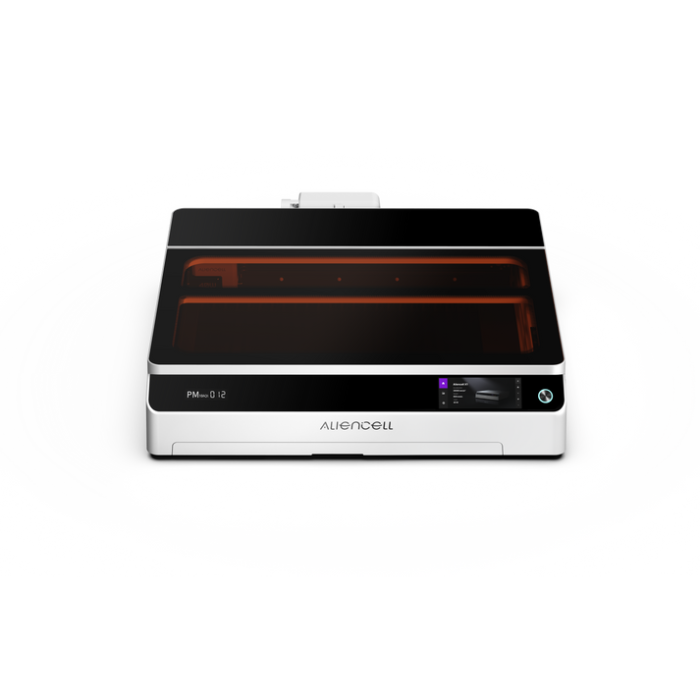
For objects that need surface engraving or cutting rather than extrusion, the Pika scanner is not the same kind of purchase as the Aliencell X1 40W Diode Laser Engraver. The latter is listed with Air Assist Pro and belongs to the store’s laser equipment range. Consider it only if your plans involve engraving or cutting materials suitable for that machine. A laser does not replace an FDM printer for layered plastic parts, while scanning helps capture geometry but still leaves cleanup and printing decisions.
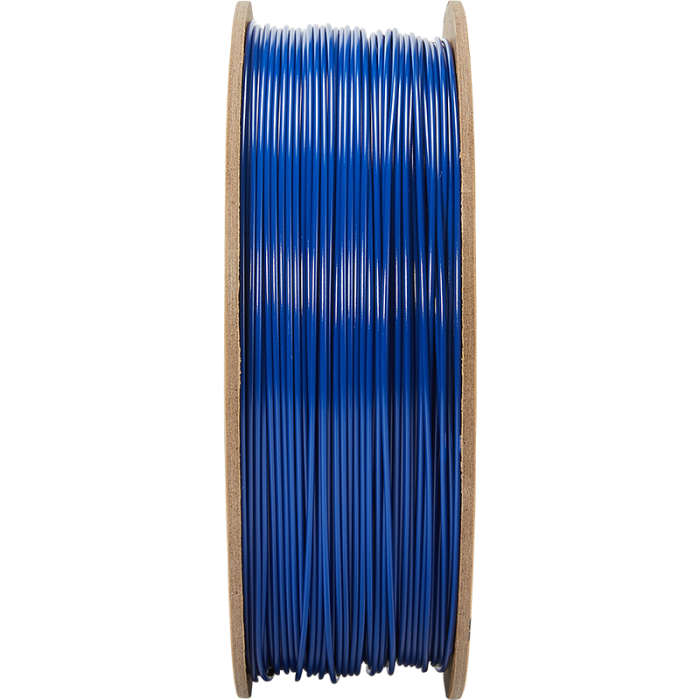
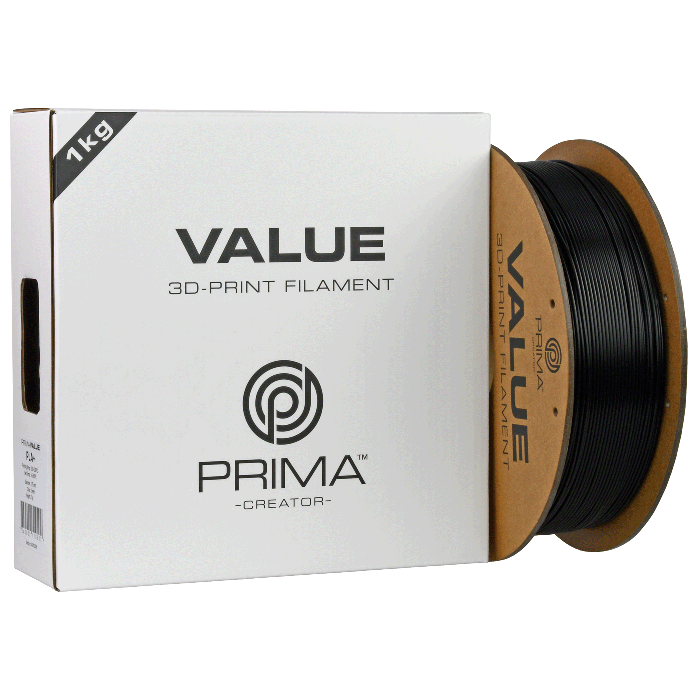
If you already own a printer, material may be the lower-friction decision. Polymaker PolyLite PETG is a PETG option for users whose project requirements match its listed material specification, while PrimaValue PLA is a PLA option for users comparing material listings for general-purpose printing. The exact result depends on the printer, settings and part design; check the manufacturer’s guidance and the material specification before loading a spool.
Cost is driven by capability and bundle contents. A larger build volume, colour system, scanner, laser module and consumables each change the total setup in different ways. Compare the live listing and what is included rather than treating printer-only and bundle pages as directly equivalent. For an existing compatible machine, trying another filament type may be a more proportionate step than replacing the printer.
- Choose multi-colour only if colour separation is a repeated need in your models.
- Measure the largest part you expect to print, including room for the machine itself.
- Check material compatibility and bundle contents on the current UK product page.
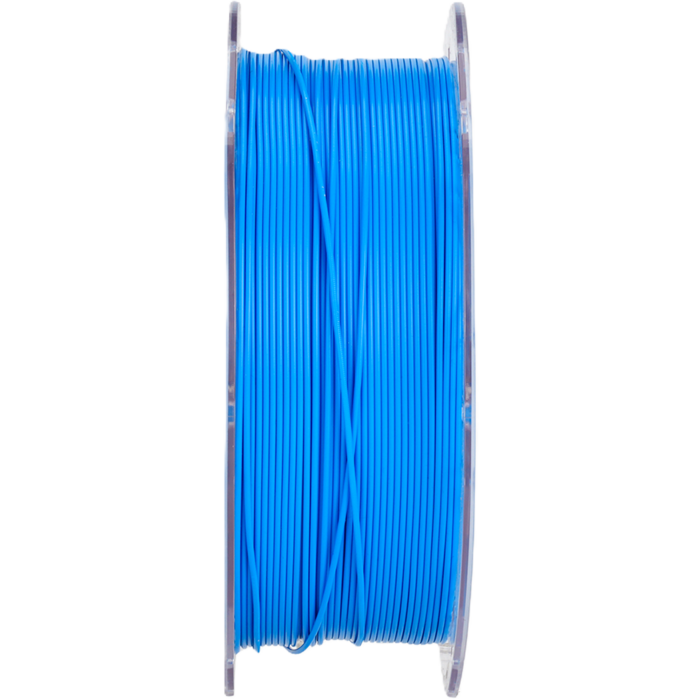
The choice depends on the printer and the part: compare each listing against the machine maker’s compatibility guidance and the material properties you need.
- PrimaValue PLA is the store’s PLA listing to compare for general-purpose printing.
- PolyLite PETG is the distinct PETG choice; check its stated properties against the part.
- Creality RFID Hyper PLA is a branded option where the printer workflow supports RFID.
The PrimaValue PLA listing gives existing owners a simple material comparison point; PolyLite PETG is the alternative to review when the part calls for different material characteristics. The store also lists Creality RFID Hyper PLA, a branded option to consider alongside compatible Creality equipment. RFID convenience is useful only when the printer and workflow support it, so verify compatibility first.
Which 3D Prima option fits your project best?
For frequent multicolour models, we would shortlist the Snapmaker U1; for larger functional parts, the Creality K2 Plus Combo is the clearer winner by capacity. The Creality Hi Combo is the balanced choice for colour-capable hobby work, while a Creality Pika makes sense only when object scanning is part of the brief.
Our limitation is that the best fit depends on your planned models, workspace and materials; specifications alone cannot settle setup complexity or output quality. Compare the current UK product pages and bundle contents before choosing, especially if your projects mix multiple tool types.